Ten brands, one workspace
Agency covers up to ten brands in one Reach workspace, each with its own name, signature and sender settings. Where the mail comes from depends on how you send it.
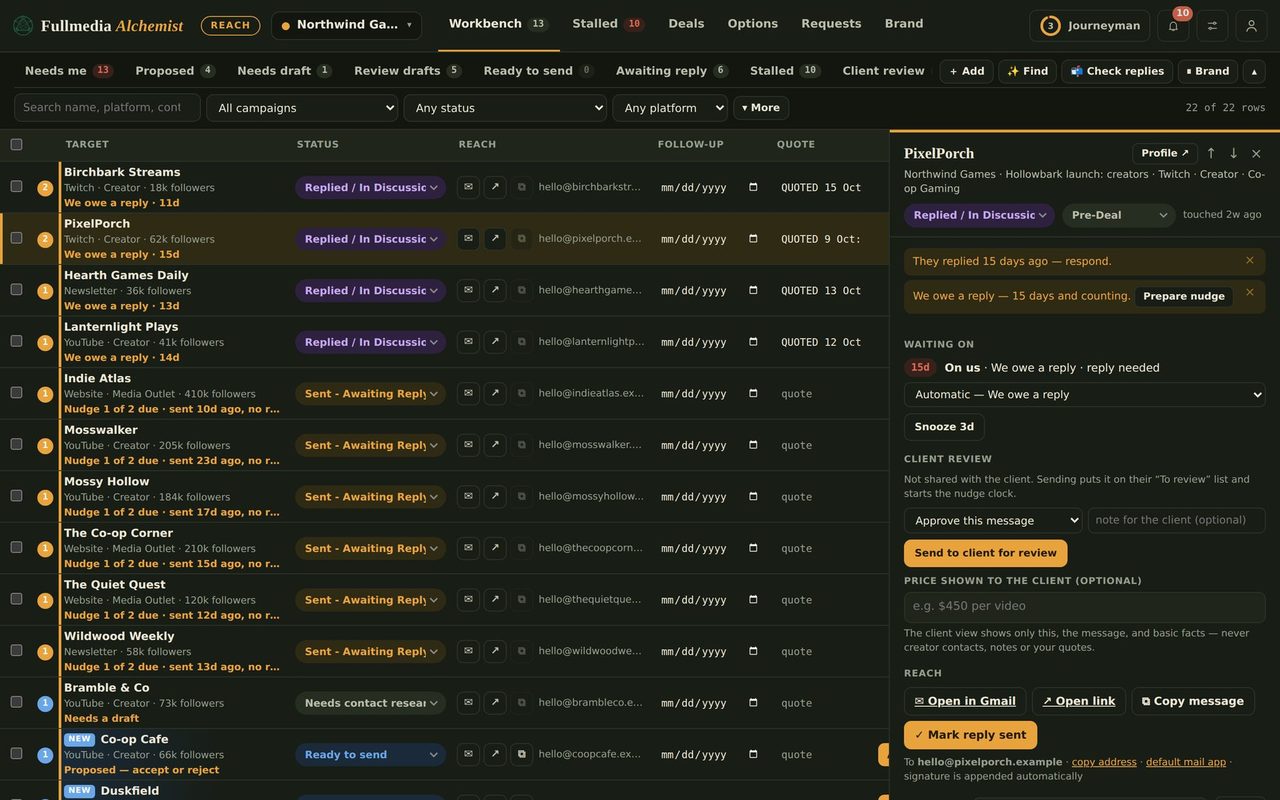
Agencies and freelancers rarely have one brand. They have a handful of clients or projects, each with its own name, voice and inbox identity. Reach is built for that.
How it works
- One workspace, one login, and one connected mailbox by default.
- Growth covers up to 3 brands and Agency up to 10 (see pricing).
- Each brand has its own name, signature and sender settings. Anything left blank follows the workspace default.
- Mail you send by hand from Gmail can use a brand's alias in From. Mail Claude sends for you goes out from the mailbox its Gmail connection is signed in to, so a brand that needs its own address in automation needs its own mailbox. See how to send as each brand.
- Replies come back to the mailbox that sent.
- Drafts, lists and follow-ups stay separate per brand, so one client's outreach never mixes with another's.
Aliases or more mailboxes
Google Workspace gives each user up to 30 aliases at no extra cost, so several brands can share one seat when you send by hand. Automation is different: it uses the mailbox that is connected, so a brand that must show its own address in automated mail needs its own mailbox, which costs a seat.
 Try it on your own brand
One brand is free, with no card. Start free.
The catch: they share one allowance
An alias is a name, not a second mailbox. Every brand that sends through the same mailbox shares that mailbox's daily limit and its sending reputation. Ten brands on one mailbox are fine for light outreach and not fine for heavy volume. Sending limits explains the numbers and when to add a second mailbox.
Two more limits worth knowing
- An alias belongs to one user. If several people need the same address, use delegation or a Google Group.
- Keep brand addresses on your Google Workspace domains. Gmail removes "Send as" for non-Google addresses from January 2027.
Running it
Add a brand, set its address under Brand, Sender & signature, then use Reach as normal. With automation on, each brand's mail account is confirmed before anything is sent for it, and the daily limit is shared across every ticked brand. For the people side, read account managers per brand and outreach for every brand at once. Setup steps: give every brand its own email address.
Swipe or use the arrows.
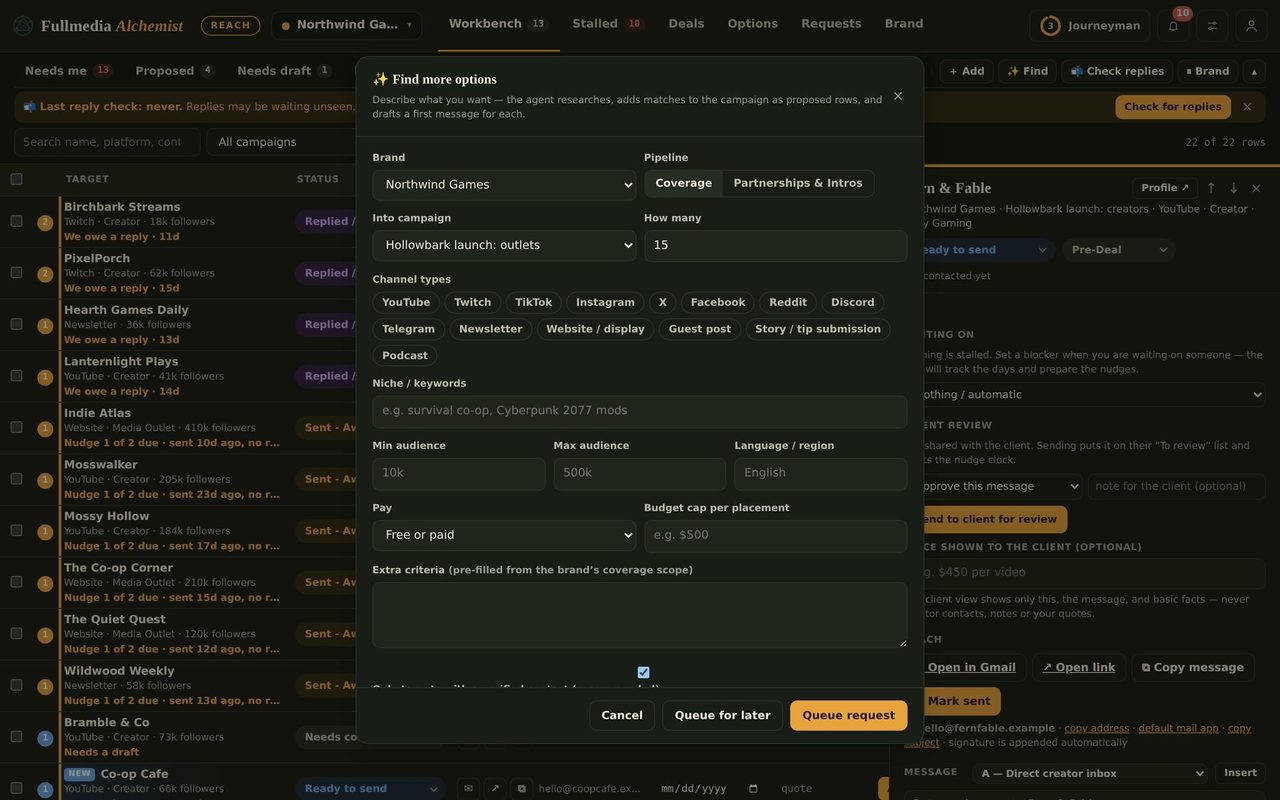
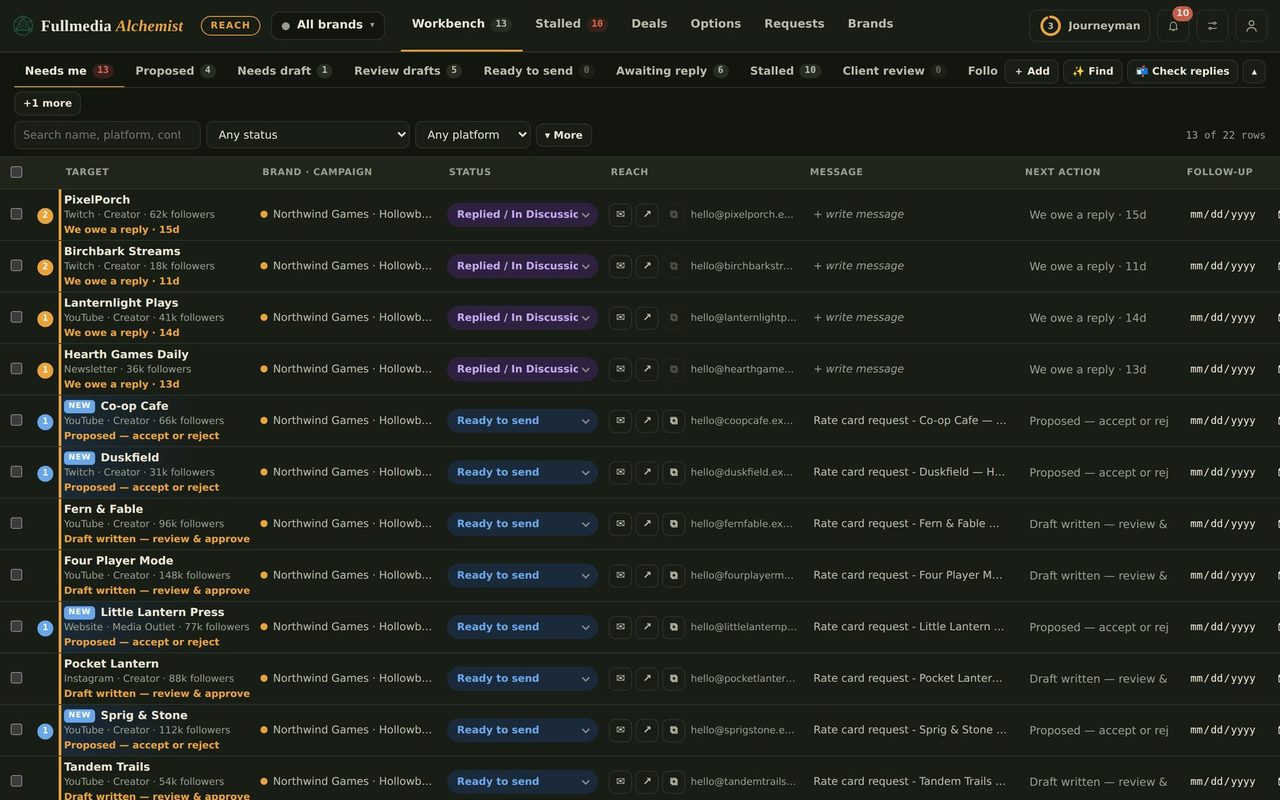
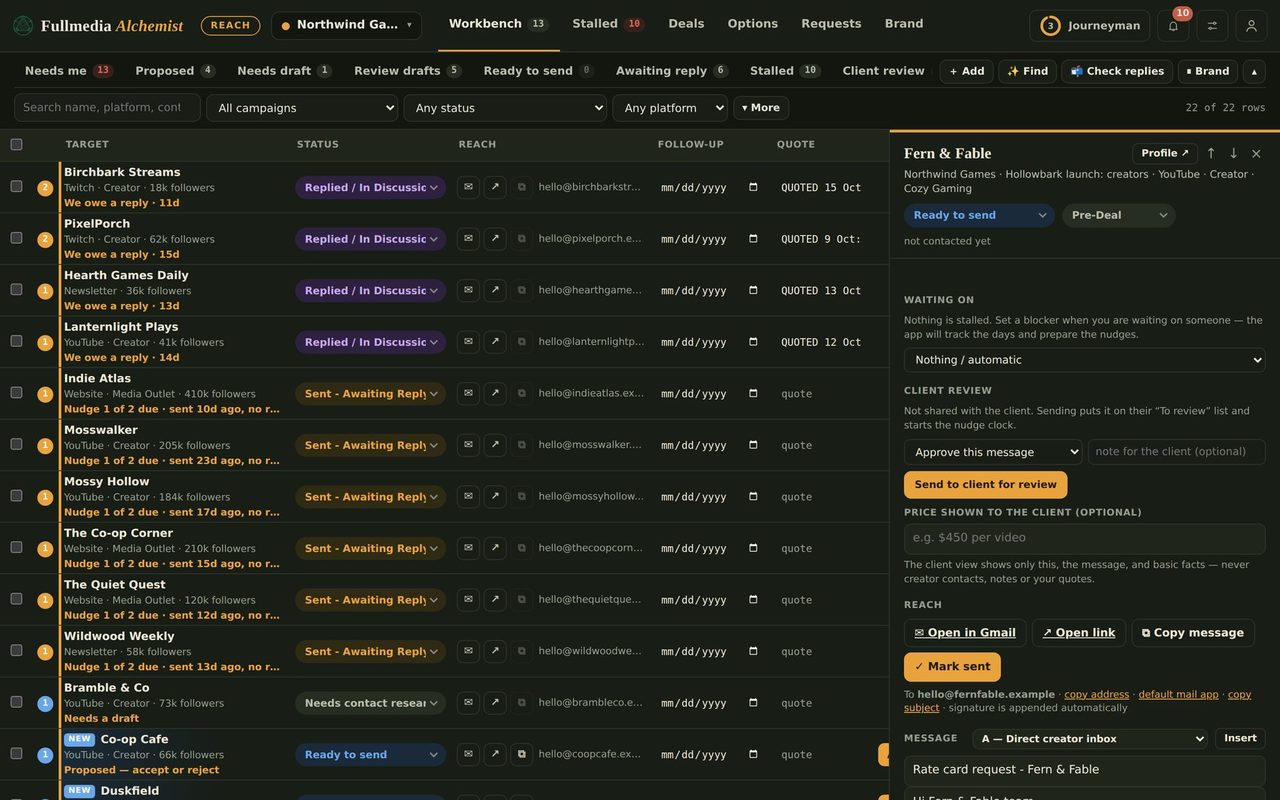
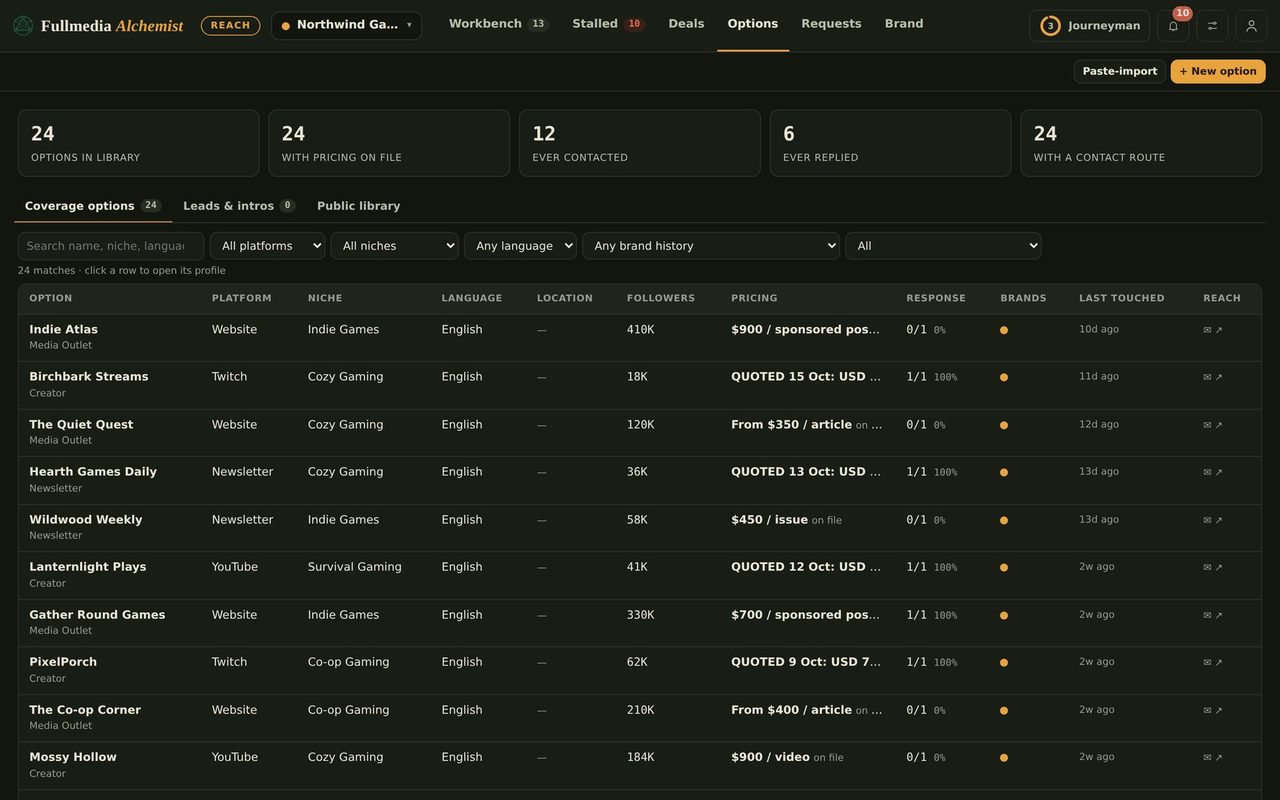
Run every client from one workspace.
Free plan available for one brand. No card.

