Ten brands, ten account managers: sender, signature and seats
Set a default sender once, give any brand its own name, signature and sending email, and add teammates to only the brands they work on.
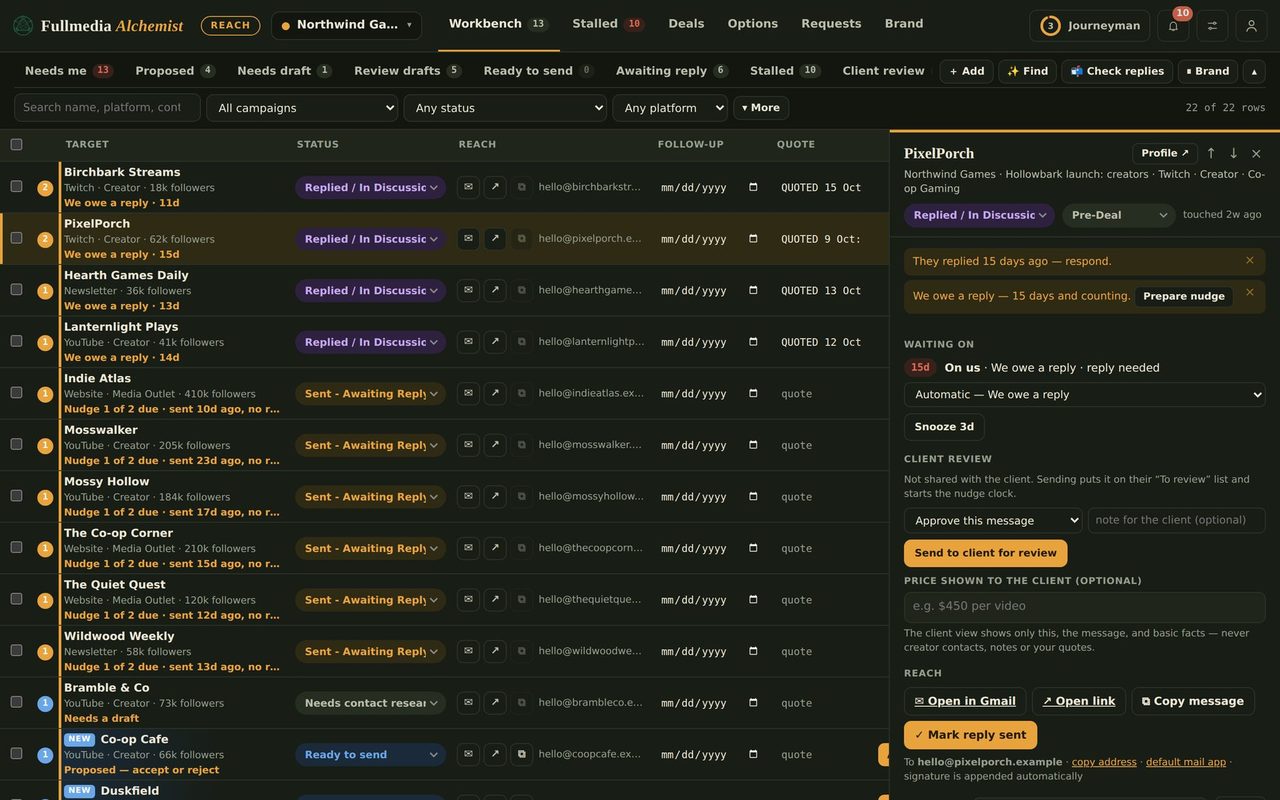
An agency with several brands rarely has one person signing every message. Brand A is run by Sam, brand B by Priya, and each sends from their own address. Reach now has a place for exactly that.
Two levels, one rule
Workspace default. Account menu, then Workspace settings and default sender. This is your name, company, sending email and signature. Every brand uses it.
Brand override. Brand tab, then Sender & signature. Fill in a name, signature, sending email or send-as alias for that brand and it replaces the default for that brand only. Leave a field blank and the default shows through in grey. A table on the same page shows who every brand signs as and sends from.
 Names come only from you
Drafts are signed with the sender name you set, and nothing else. Reach never takes a name from a website or invents one.
Add teammates by brand
- Open the account menu and choose Team & brands.
- Enter a teammate's email and tick the brands they work on.
- They sign in with that email. Deals, drafts and mail are limited to the brands you ticked.
Seats follow your plan: Growth has 3 seats across up to 3 brands, Agency has 10 seats across up to 10, Growth adds client review links and Agency adds client portals.
Try it on your own brandOne brand is free, with no card. Start free.
Sending from the right account
Each brand sends from the Google account you set for it, and Reach checks the account before automated sends. If a brand's mail account is not confirmed, that brand sends nothing until it is. See Reach automation.
Honest limitA teammate can only work on the brands you tick, but they can still see the names and details of the other brands in the workspace today. Keep very sensitive brands in a separate workspace.
The same brands in Content
If you also use Content, each brand there has its own voice, colours and calendar under the same login, so one account manager can run a brand's posts and its outreach side by side. Pair the same plan on both and you pay 10% less than buying them separately. Start with meet the Alchemist.
Swipe or use the arrows.
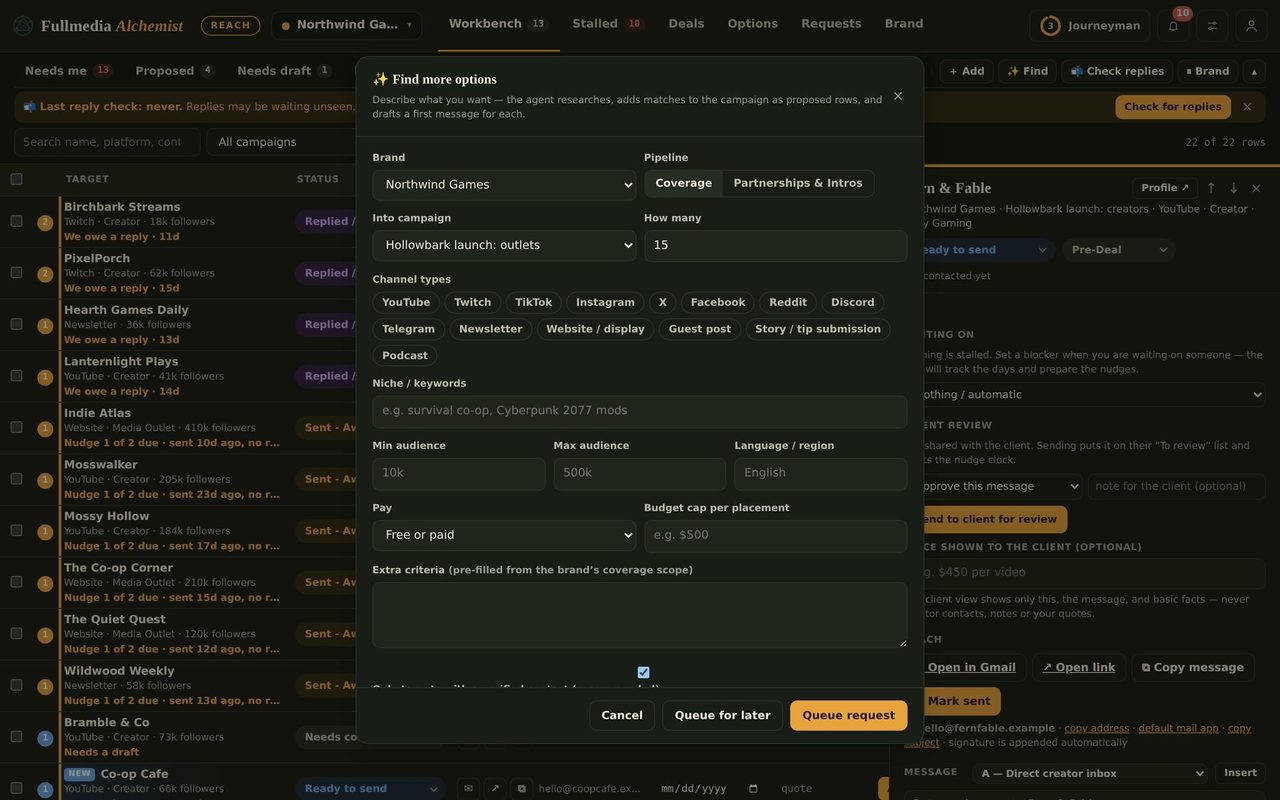
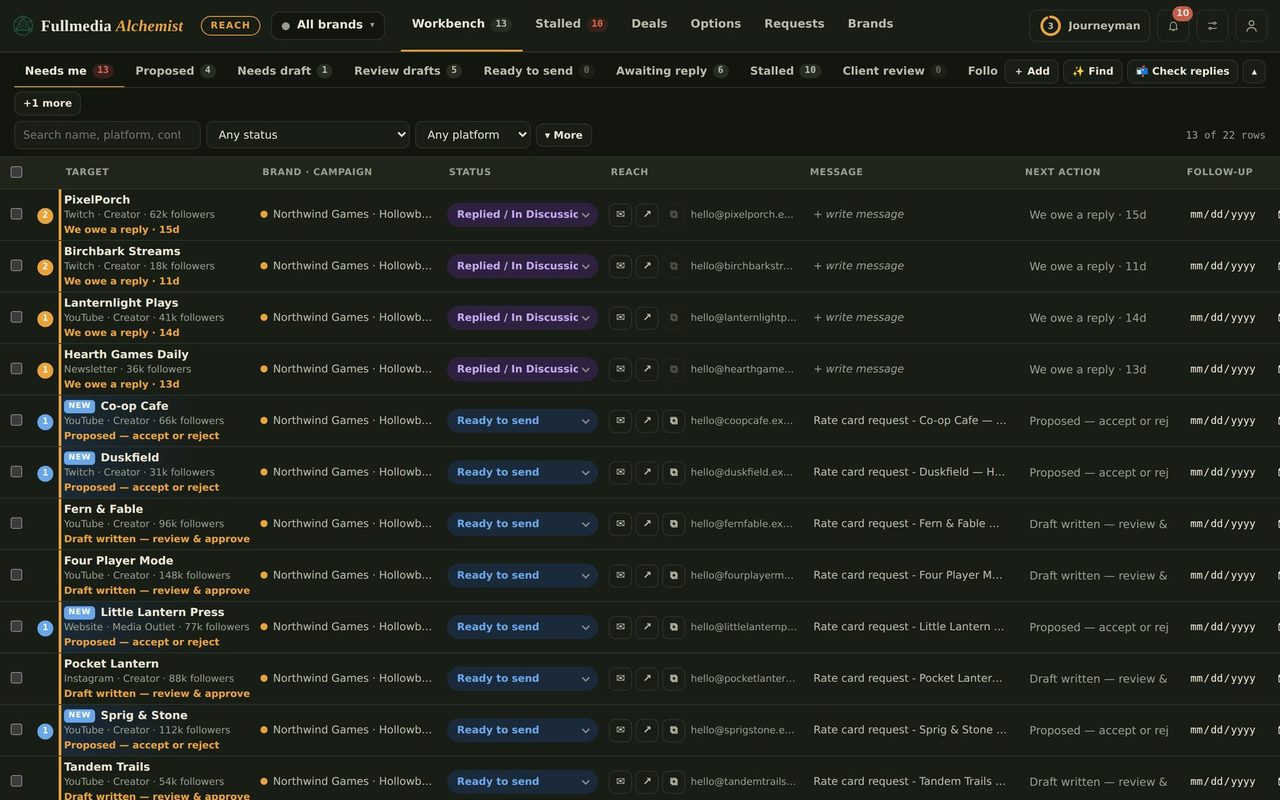
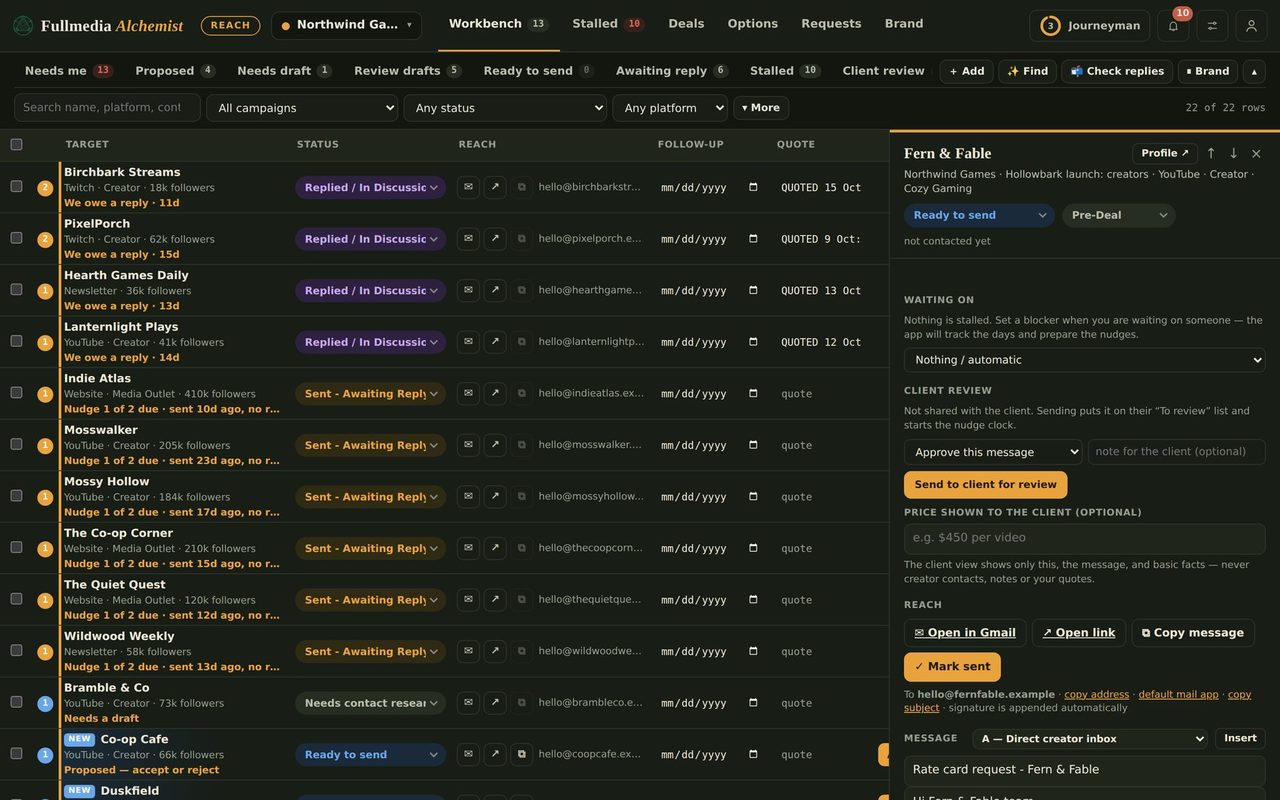
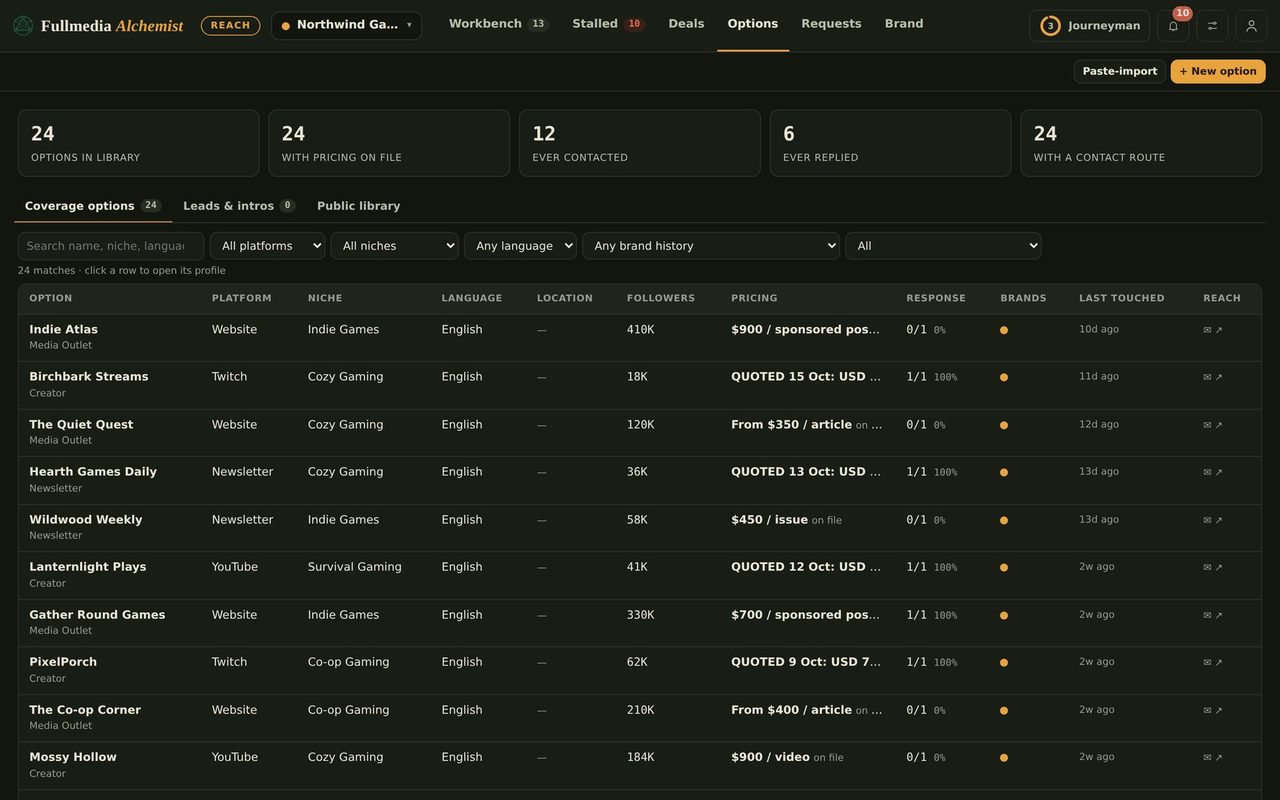
Set a sender for each brand.
Free plan available for one brand. No card.

