Let your own Claude do the sending: Reach automation
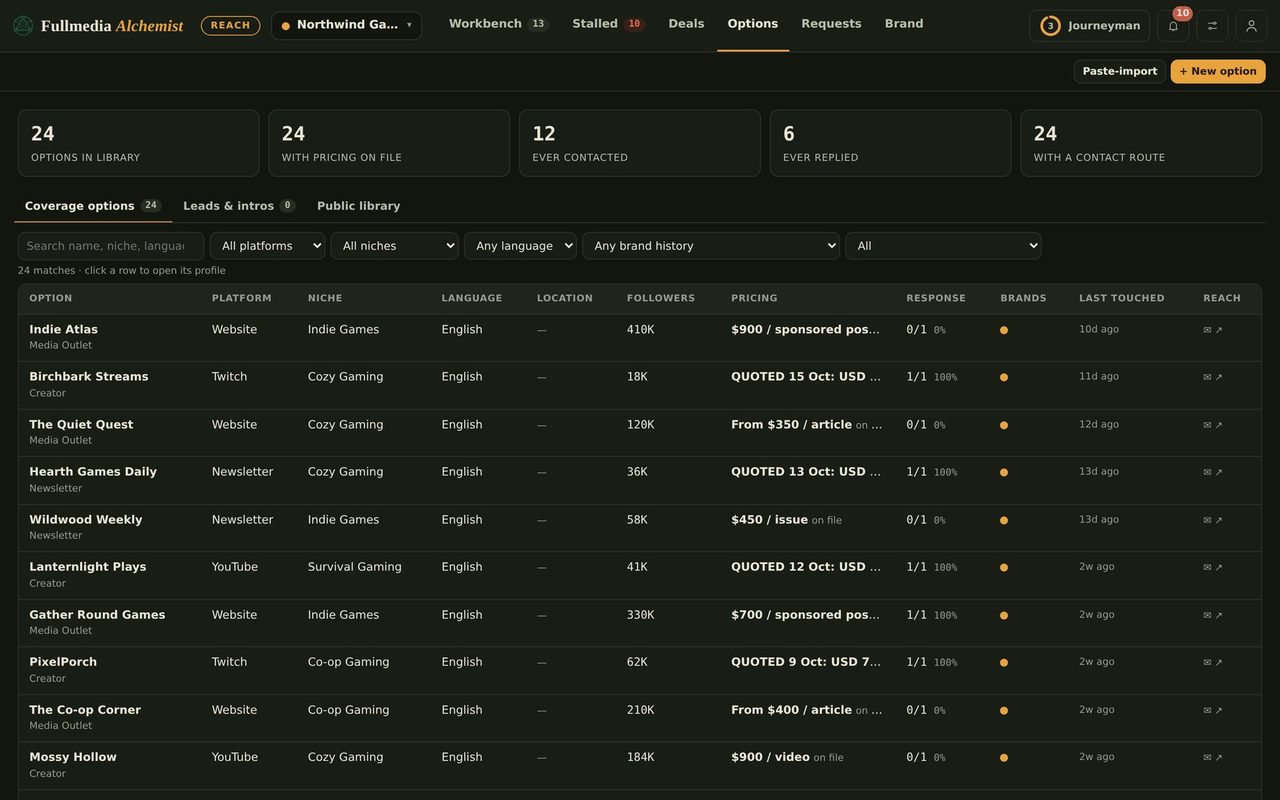
Approve the rows you want. Claude sends the first emails, follow-ups and approved replies and submits web forms from your own accounts, with daily caps, proof of every send, and a hand-back when anything looks off.
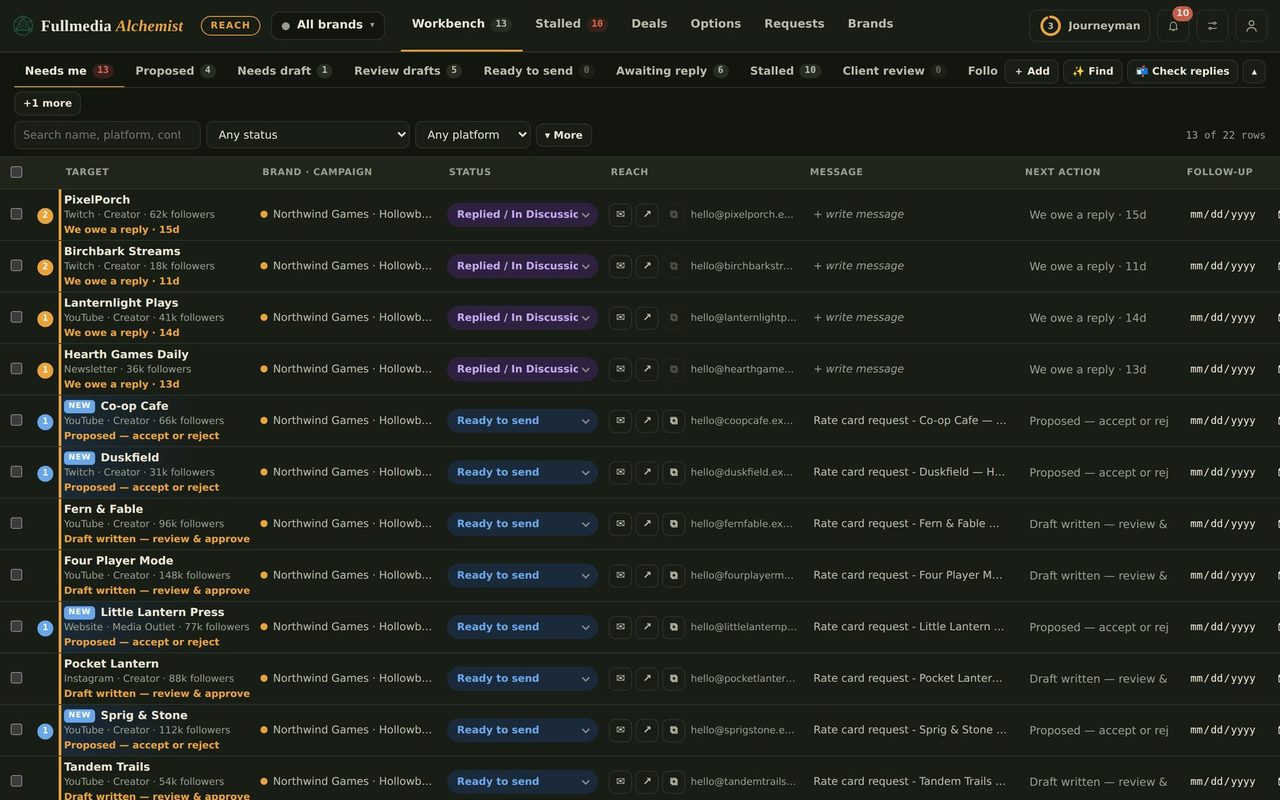
Writing the message is the quick part. Sending forty of them, one by one, filling in contact forms, remembering who to nudge on day four, is what eats the week. Reach Automation hands that clicking to your own Claude, working in your own mail and browser, on rows you have approved.
What Claude does
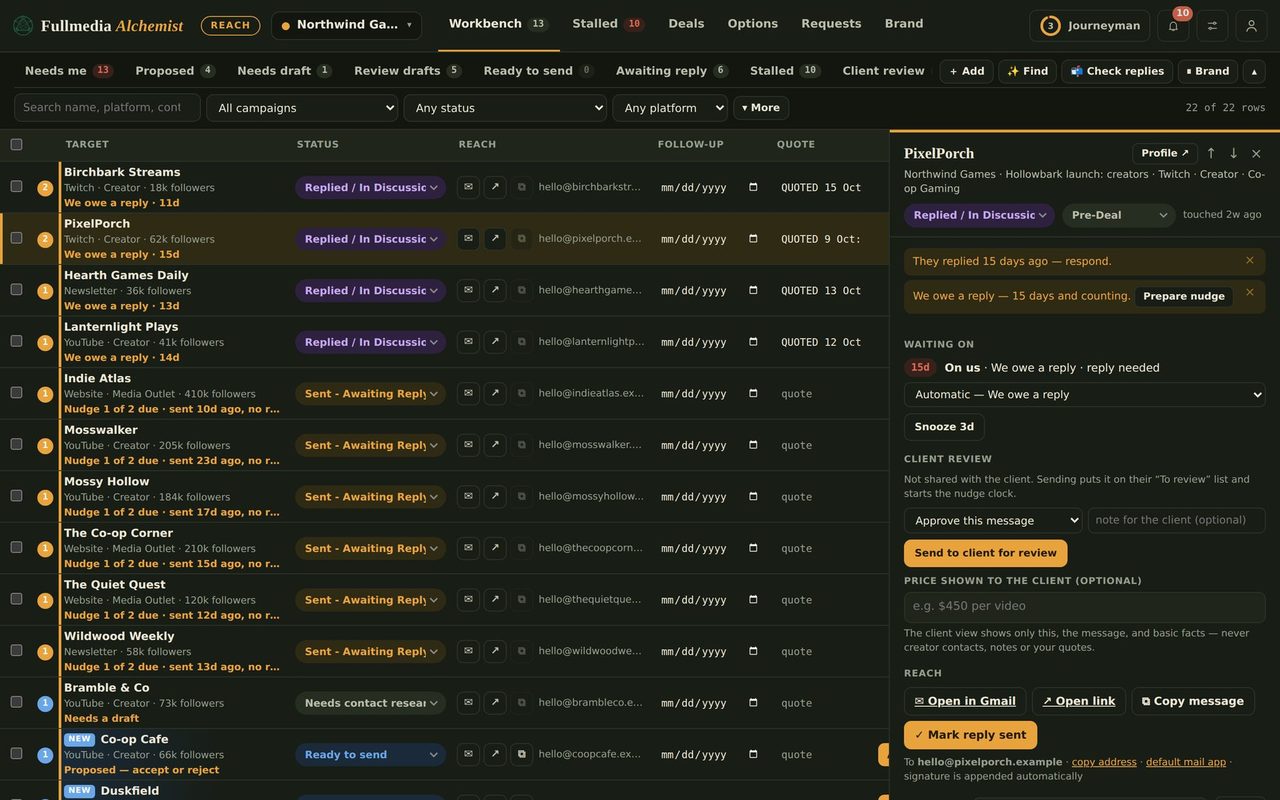
Claude also watches the inbox. If someone has replied it reports that and Reach flags the row, so you never follow up on someone who already answered. Reach then drafts your reply, and once you approve it, Claude can send it in the same thread (see approved replies). If an address bounces, it reports the bounce and never resends.
Set it up
- Open the account menu in Reach and choose Automation.
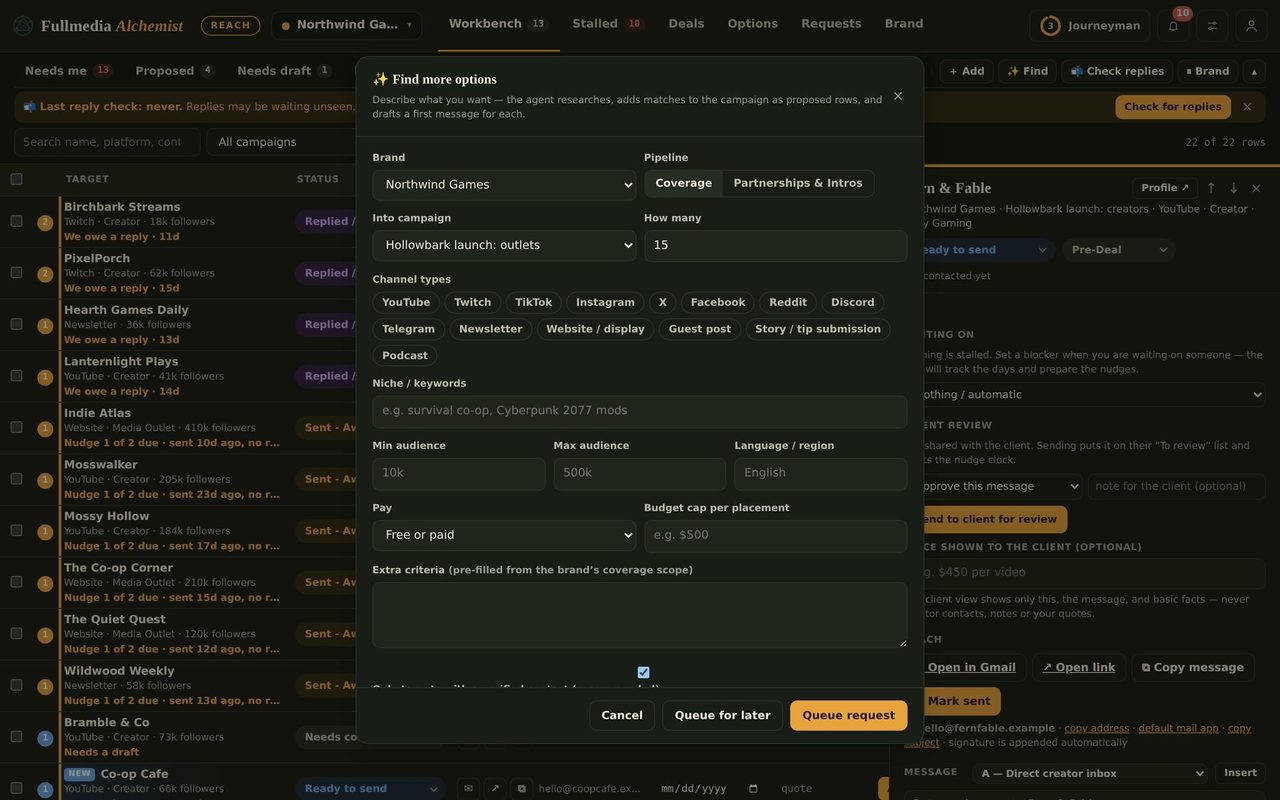
- Switch it on, pick the brands, and set a daily cap (the default is 15, the maximum 40) and a pause between sends (the default is 2 minutes).
- Confirm the mail account each brand sends from. Reach will not hand out tasks for a brand until you have.
- Create the connector link, shown once, and add it to Claude as a connector.
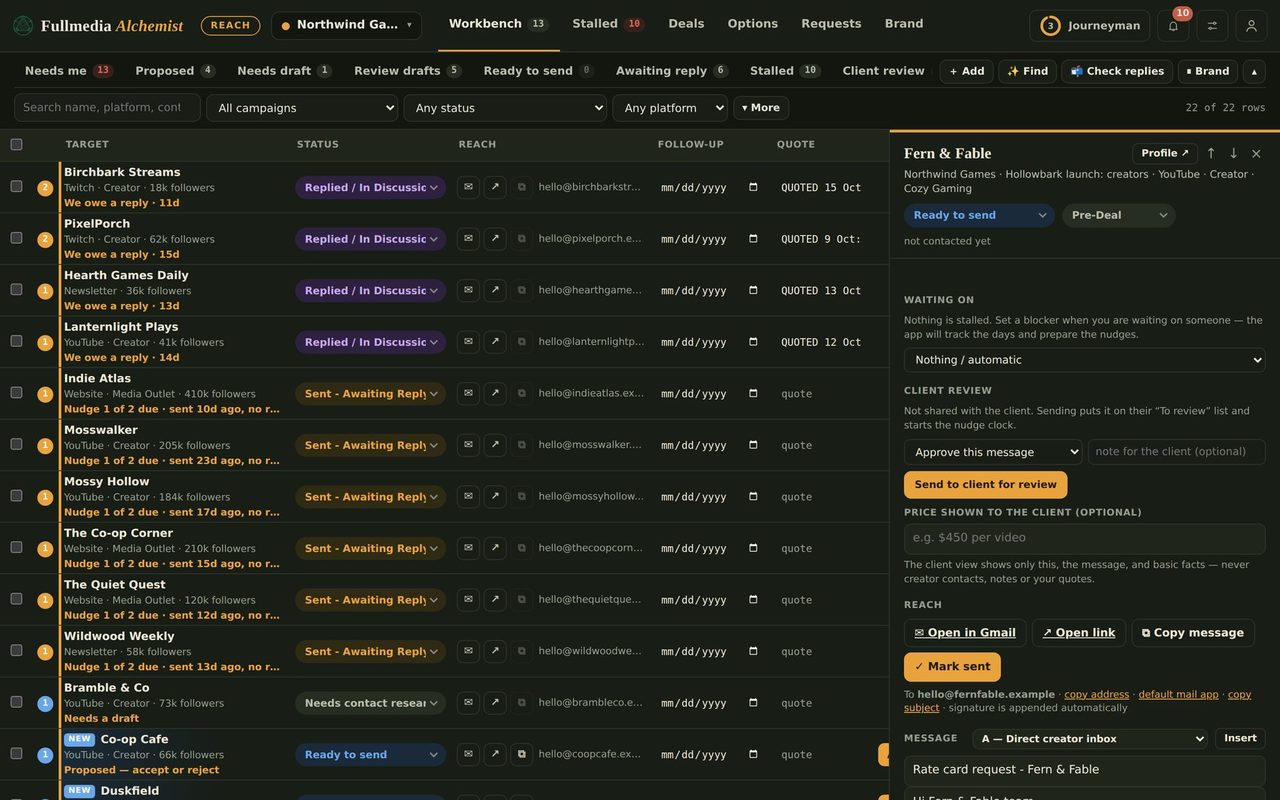
- Approve the rows you want sent. Nothing unapproved is ever queued.
 Try it on your own brand
One brand is free, with no card. Start free.
The safeguards
Claude takes one task at a time and must report proof for each one (what was sent, where, when). It never solves a CAPTCHA, signs in with a password it was not given, or pays for anything. When a page asks for any of that, or looks different from the card, the row goes to Needs you with the reason. If Claude finds it is signed in to the wrong mail account, it sends nothing and switches that brand off.
What stays in your handsSocial DMs, forums, community posts and guest posts are never automated. Reach lists them under "You do these yourself". Replies to people who write back are drafted in your voice, and Claude only sends one after you have read and approved that exact draft. Anything about prices, a deal, terms or payment stays with you. And because Claude works through your own accounts, start with a low daily cap until you trust the flow.
Cost
Reach starts free, and paid plans begin at $29 a month. Drafts and research use your plan's AI calls. The sending itself runs in your own Claude.
Pair it with Content
Reach tags the links to your own site in first emails so you can see what they brought in (see tagged links). And the posts those links point to can be written, designed and even posted for you by Content, the other half of Fullmedia Alchemist.
Swipe or use the arrows.
Hand off the clicking.
Free plan available. You approve every row.

