Which post sent the click? Tagged links in Content and Reach
Switch on tracking links for a brand and every link to your own site is tagged with the network, campaign and post, in captions, exports, auto-posts and first outreach emails.
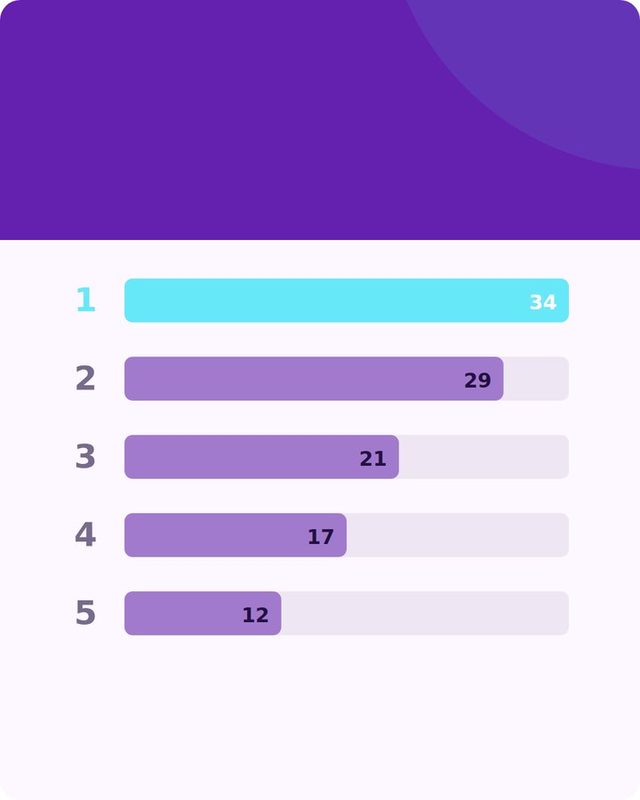
Without tags, a visit from social looks like "direct" in your analytics. With tags you can see that the Tuesday Instagram carousel brought ten visits and the Thursday LinkedIn post brought none.
What gets tagged
In Brand settings, switch on Tracking links. Links to your own site get four tags: where it was posted (utm_source), that it came from social (utm_medium), the campaign (utm_campaign) and the exact post (utm_content). Links to other sites are left alone.
The tags are added in captions, copied text, exports, Pinterest pins and the auto-post queue, so you do not have to remember to add them.
Reach does it too
In Reach automation, the links to your own site in first outreach emails are tagged the same way (on paid plans), so you can tell which outreach brought visitors and which only got an opened email.
 Try it on your own brand
One brand is free, with no card. Start free.
Short links on your own domain
Short links on a domain you own (go.yourbrand.com) are in setup: you add one DNS record and Reach and Content use it. Tagged links work today without that.
PlansTracking links are included on paid plans. The tags show up in your own analytics, for example Google Analytics.
Put the numbers to work
Look at which network and which kind of post brings visits, then do more of it. Pair it with what worked where in Content, and use Reach to pitch the outlets and creators who reach the people who clicked.
Swipe or use the arrows.




Tag your links.
Content has a free plan, and tracking links come with paid plans.