Talk to the Alchemist: voice and hands-free posts and outreach
Tap the mic to dictate a note, fix a picture or draft a message. Or go hands-free and run a whole review by voice.
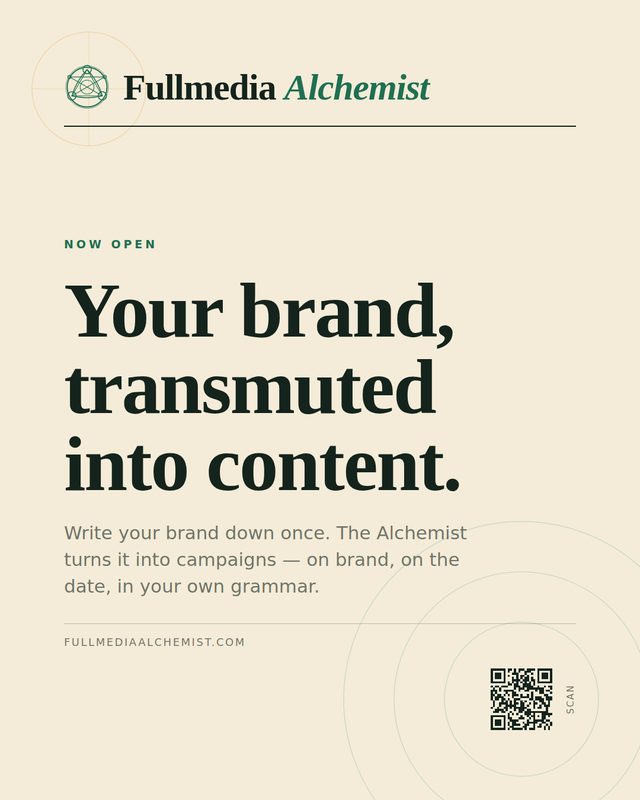


Typing a note on a phone is the part nobody likes. Now you can say it. Voice works in the Content dashboard and in Reach, and it uses the same brand memory, saved logos and credit rules as everything else.
Tap to talk, everywhere you type a note
A small mic button sits next to the note boxes: the picture editor, redo notes, the campaign brief, the caption editor and the Alchemist helper. Tap it, speak, tap again. Your words land in the box and you check them before anything runs.
Brand and saved asset names are passed to the speech engine as hints, so your logo names and product names are spelled the way you saved them. In the picture editor you can name a saved logo out loud: "use the holiday logo bigger on the right" picks that logo and keeps the rest of the instruction.
Hands-free in Content
Switch on hands-free and the Alchemist listens for commands: "create three posts about the autumn sale", "next post", "make the headline shorter", "sharpen the caption", "read the caption", "approve this post", "stop listening". Creating posts costs credits, so he reads the request back and waits for you to say "go". A credit dialog also needs a spoken "confirm".
 From the workshop
Hands-free stops by itself after five quiet minutes, and the Alchemist ignores his own voice so he does not answer himself.
Try it on your own brandOne brand is free, with no card. Start free.
Three ways to speak in Reach
- Exact words. You dictate, and spoken corrections like "Tuesday, no, Wednesday" or "scratch that" are tidied. Nothing else is rewritten.
- Draft from my idea. You talk loosely, and Reach writes a short message using the recipient and your brand facts. It does not invent offers or numbers.
- Commands. Hands-free for the whole queue: "next", "who is this", "draft", "make it shorter", "read it back", "undo", "copy message", "mark sent".
Saved snippets
Save a trigger with its text, for example "rates", and say or type it later to drop it into the message. Typed triggers start with a slash. Snippets can insert links, but not attach files: Reach opens your Gmail with a link, and Gmail links cannot carry attachments.
What happens to your voice
Audio is sent for transcription and not stored. In Chrome and Edge, hands-free uses the browser's own speech recognition, so the browser maker handles that audio. Voice has fair-use limits per person (about 40 clips an hour and 300 a day), and it does not use credits. The actions it triggers cost what they cost by hand.
Say it instead of typing it.
Voice is included, with fair-use limits. The Free plan includes 30 credits a month.