Keep the conversation going: replies you approve, Claude sends
When someone answers your pitch, Reach drafts the reply. You read it and approve it. Claude sends it in the same thread. Anything about price, a deal or payment stays with you.
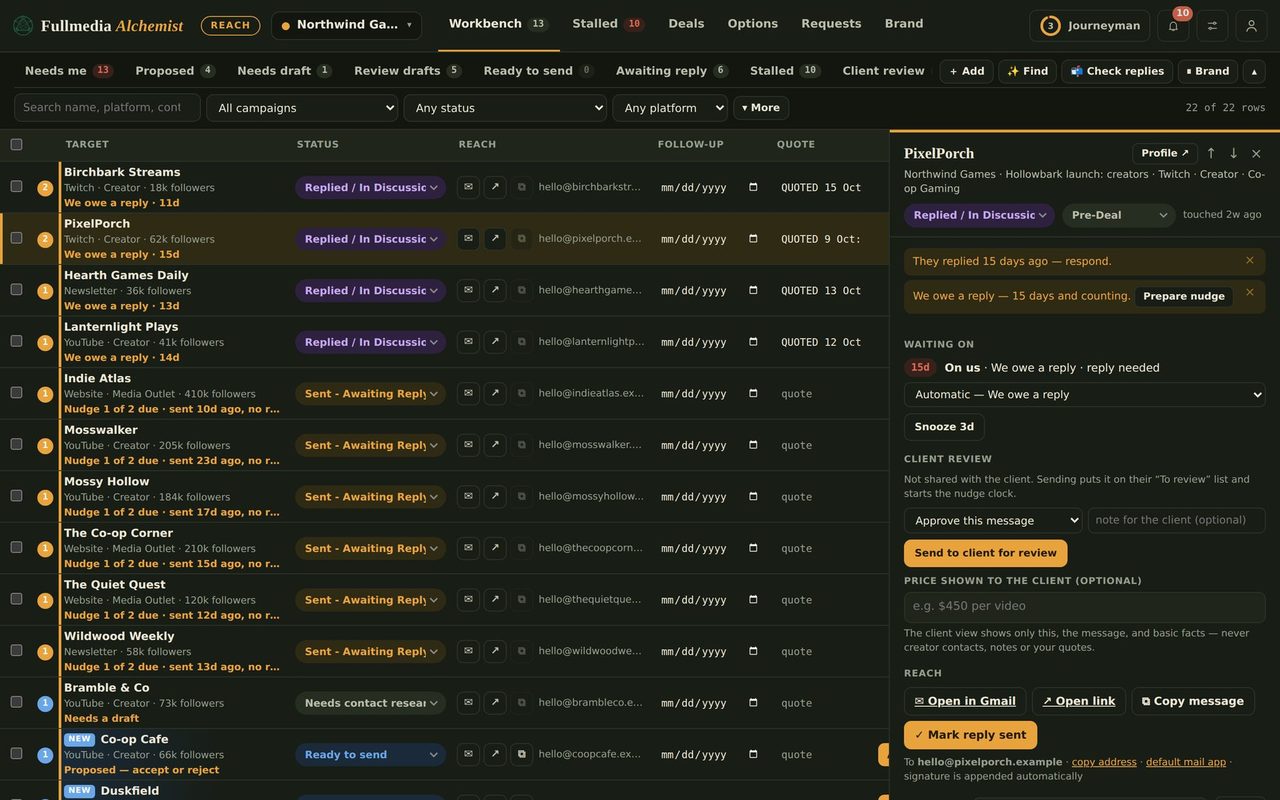
The first reply is where outreach turns into a conversation, and it is also where a wrong message costs the most. Reach splits the job: it writes, you decide, Claude clicks send.
How a reply goes out
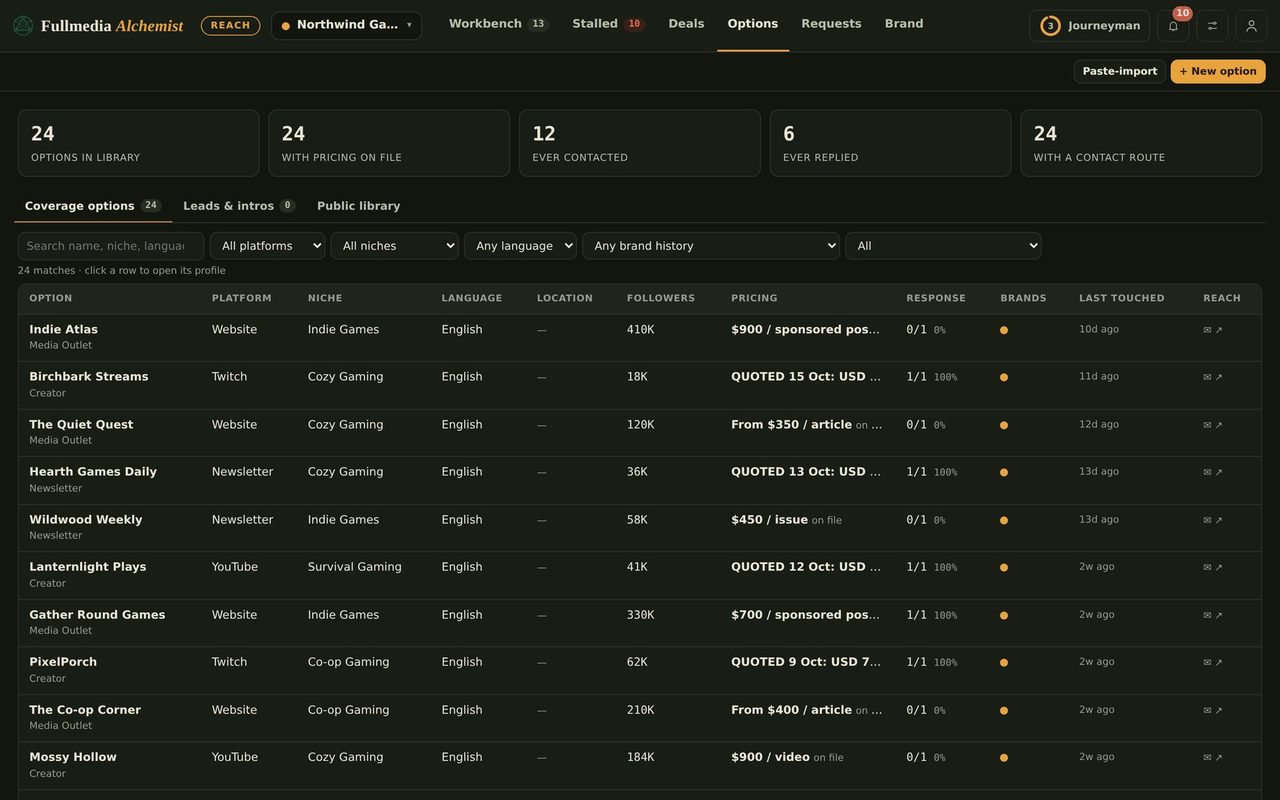
- Someone replies. Reach flags the row, and you log the reply, or Claude spots it in the inbox and suggests it.
- Reach drafts a reply in your voice, with the sender name and signature you set for that brand.
- Open Automation, choose Replies, read their message next to your draft, and tick the ones you approve.
- Claude opens the existing thread, checks their newest message, and sends your approved text as a reply in that thread. It reports back with proof, and the row shows the reply as sent.
 Approval is tied to the exact words
If you edit a draft after approving it, the approval is removed and you approve it again. Replies are never selected automatically, and Tick all shown skips them, so each one gets its own tick from you.
Money stays with you
Reach will not queue a reply that mentions prices, rates, a deal, terms, a contract, an invoice or payment, or one where a rate has already been quoted. Those show up under You do these yourself with the reason, so you agree the terms and send the message yourself. If a deal is made and money moves, that is manual too. Claude also re-reads the thread before sending, and if they have written something new, especially about price, it stops and hands the row back to you.
Try it on your own brandOne brand is free, with no card. Start free.
Across brands
Replies follow the same rules as everything else in automation: only for the brands you ticked, from each brand's own confirmed mail account, counted against the shared daily limit. See running many brands at once.
Honest limitsReplies go by email only. Conversations on social networks, communities and forums are still yours to handle. Claude works through your own mail account, so keep the daily cap low until you trust the flow.
Keep the story consistent
A good reply often points to something to look at. If you use Content, link the post or the video it made, with a tagged link so you can see who clicked.
Swipe or use the arrows.
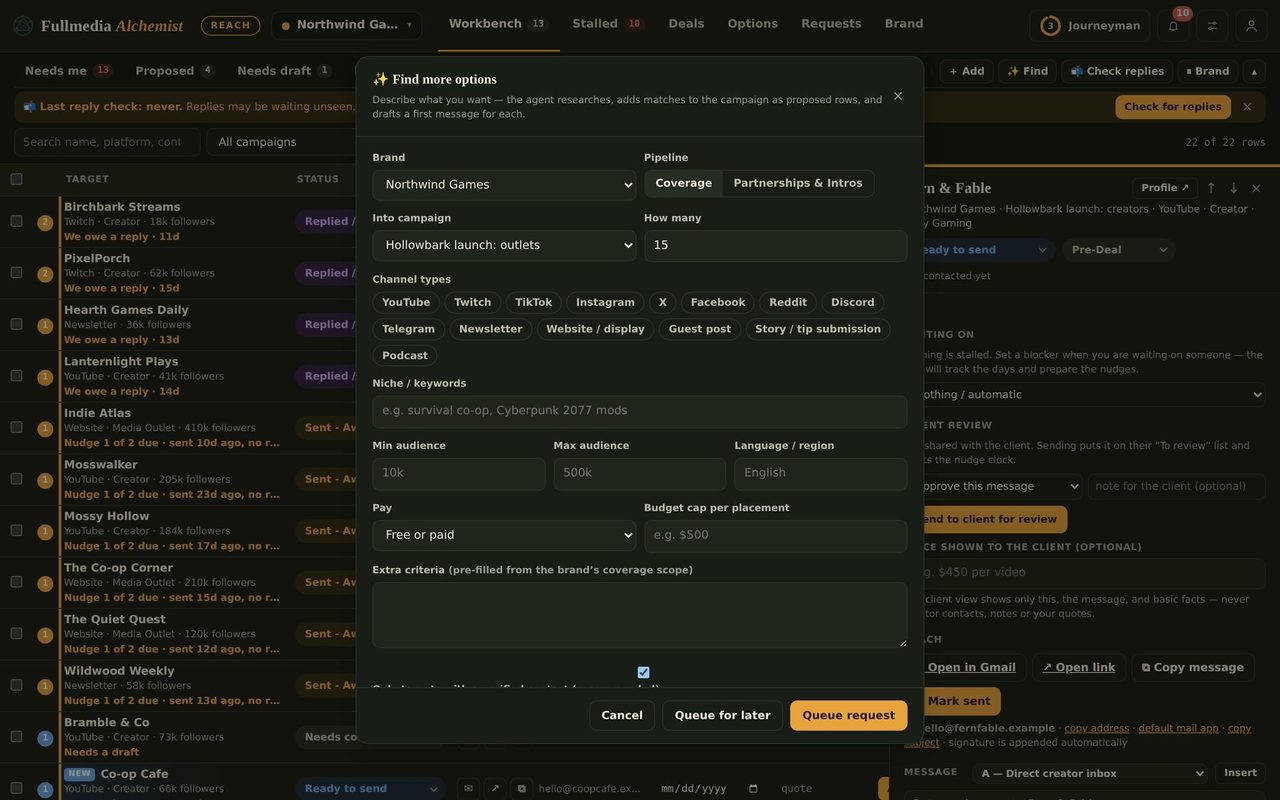
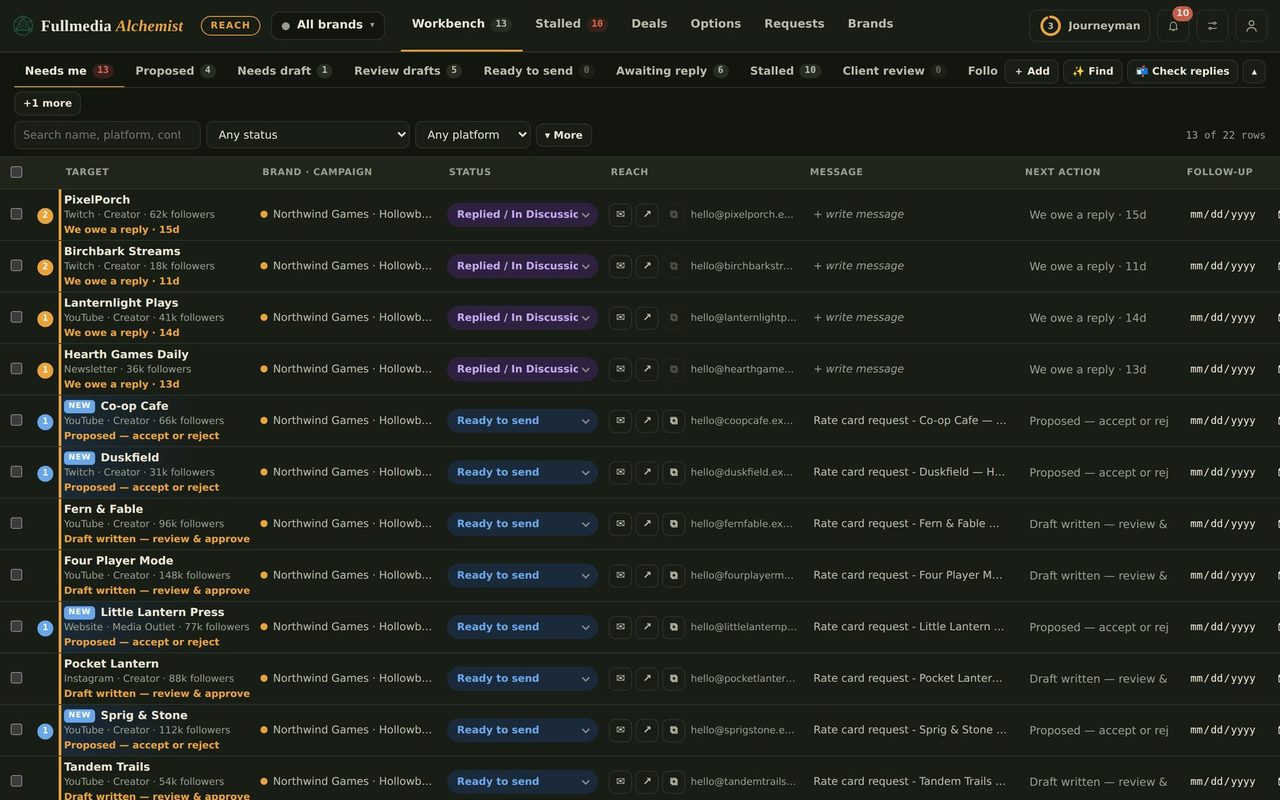
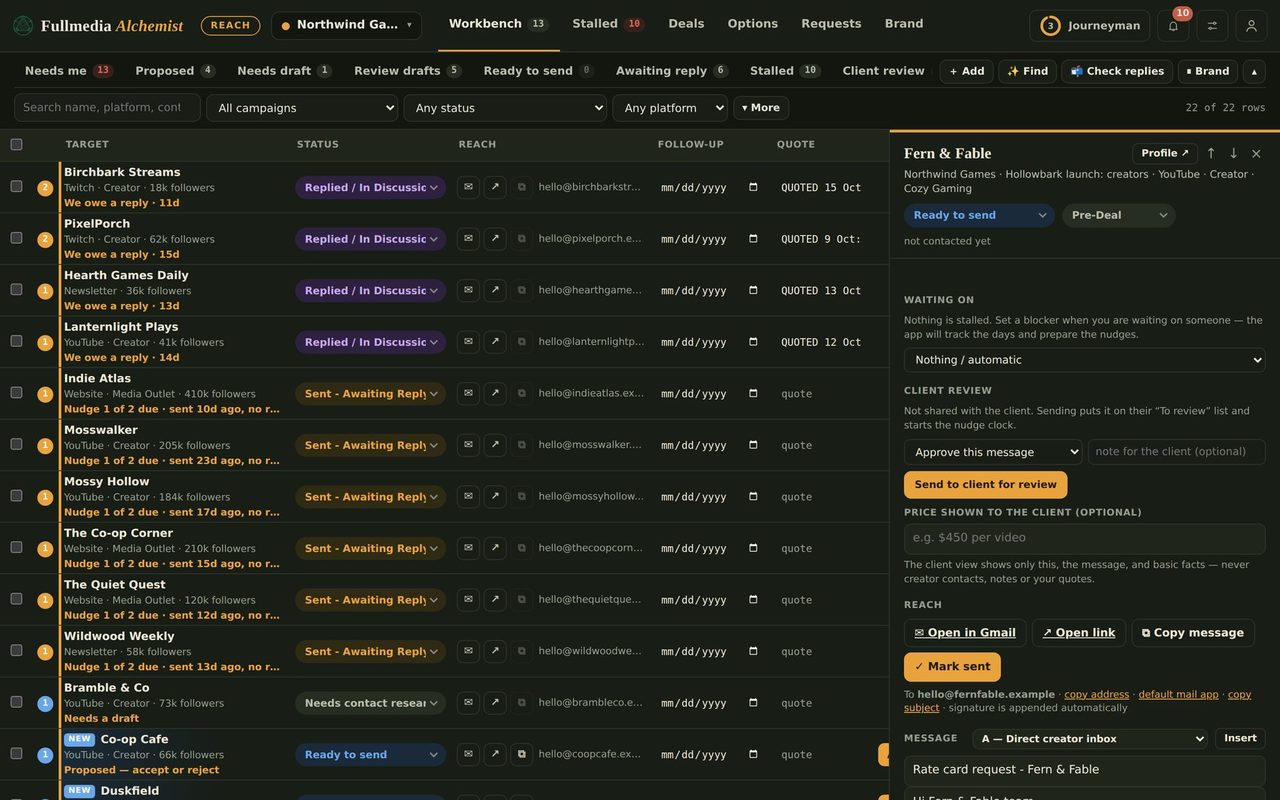
Reply faster without losing control.
Free plan available. You approve every reply.

