How much can one mailbox send? Limits for aliases and agencies
Aliases give each brand its own name, not its own allowance. Here are the limits Google sets, the lower ones worth setting yourself, and when to add a second mailbox.
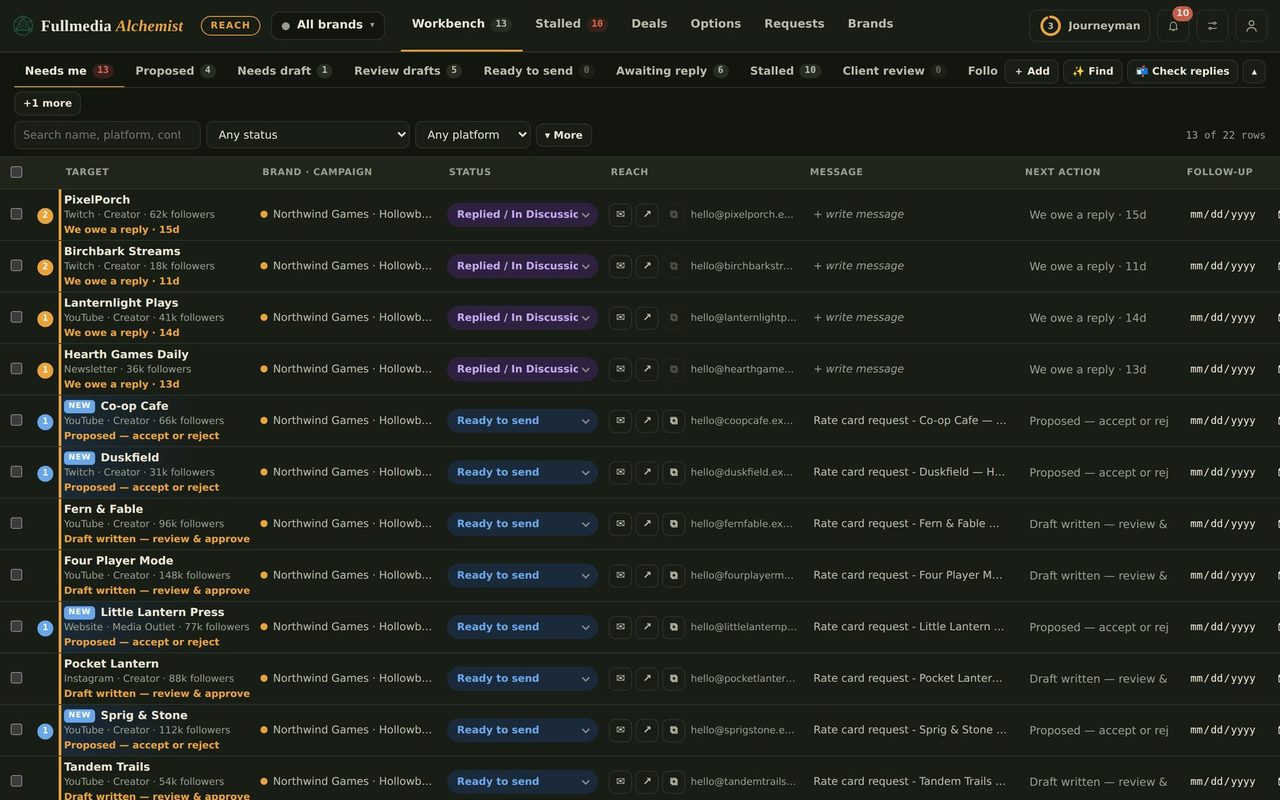
Aliases give each brand its own name. They do not give it its own allowance. Every alias on a mailbox shares that mailbox's limits and its reputation, so a busy brand can use up the day for the rest.
The limit Google enforces
A Google Workspace user can send up to 2,000 messages in a rolling 24 hours (500 on a trial account). Mail sent from an alias, through a delegate, or by a vacation responder counts toward the same user. Go over and sending can be blocked for up to 24 hours. That is a ceiling, not a target.
The limit you should set yourself
Cold outreach goes wrong far below Google's ceiling. As a rule of thumb (not a Google rule), most deliverability guides keep cold outreach to roughly 20 to 50 messages a day per inbox, warmed up over four to eight weeks, with bounces under 2% and spam complaints well under 0.1%. New domains, and brand domains that have never sent mail, start at the bottom of that range.
 Try it on your own brand
One brand is free, with no card. Start free.
What Reach already does
- One daily cap for the whole workspace (1 to 40 sends a day), shared by every brand you tick. Four brands on a cap of 40 average 10 each.
- A pause between sends, so mail goes out at a human pace.
- A daily ramp warning (default 10 a day) that tells you when you have sent more than you planned.
- A mail-account check per brand, so nothing sends from the wrong account.
- Bounce checks: an address that bounces is never emailed again.
Suggested numbers
- Weeks 1 and 2: 10 a day across all brands on the mailbox.
- Weeks 3 and 4: 20 a day.
- Weeks 5 to 8: 30 a day.
- After that: up to 40 a day on one mailbox, never more. Replies and follow-ups count too.
Split the cap sensibly. A brand with a new domain gets a small share until its first replies and clean bounces come in.
How many brands per mailbox
Plan on about three brands per mailbox at around 12 sends a day each. Ten brands at that pace need three or four mailboxes. If a brand is your main earner, give it a mailbox of its own.
When to add a second or third mailbox
- The planned total passes about 30 sends a day on one mailbox.
- One brand's bounces or complaints are creeping up and you want to keep it away from the others.
- A client needs a hard wall between their outreach and everyone else's.
- A brand must show its own address in automated mail. Aliases do not do that, a mailbox does (how to send as each brand).
The fix is a second Google Workspace user. In Reach, each brand can name its own sending account under Brand, Sender & signature, and automation confirms that account before it sends. For a hard wall between client groups, use a separate Reach workspace for each group.
Pause if you see these
- More than 2 in 100 messages bounce.
- Anyone marks a message as spam.
- Google shows a sending-limit notice.
- Replies drop while volume rises. Stop, check the list and the message, then restart low.
Setup steps are in give every brand its own email address. For the brand and people side, see ten brands, one workspace.
Start small, ramp up, stay out of spam.
Free plan available for one brand. No card.

