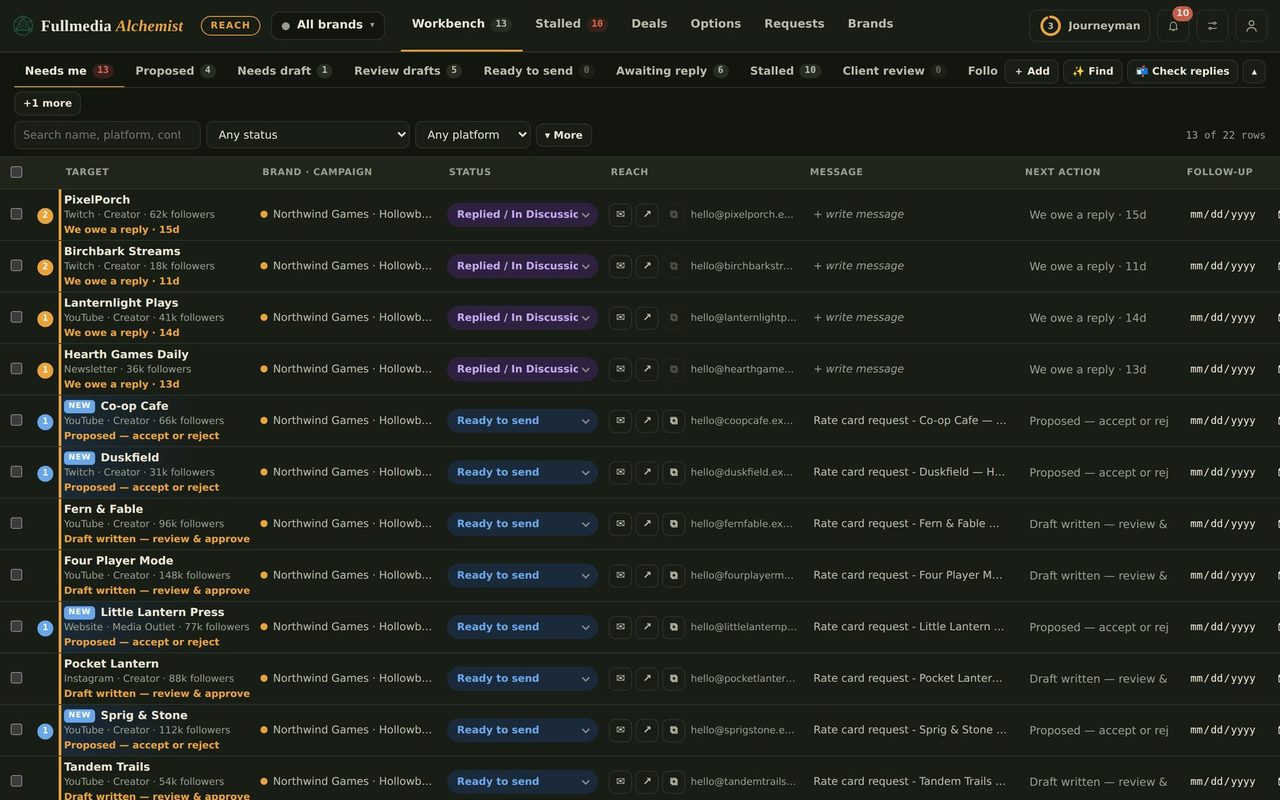
Connect Claude to Reach and Gmail: the setup, step by step
Two connections make Reach automation work: Claude needs your Gmail, and Claude needs the private Reach link. Here is each one, the check Reach makes, and what to say to start.
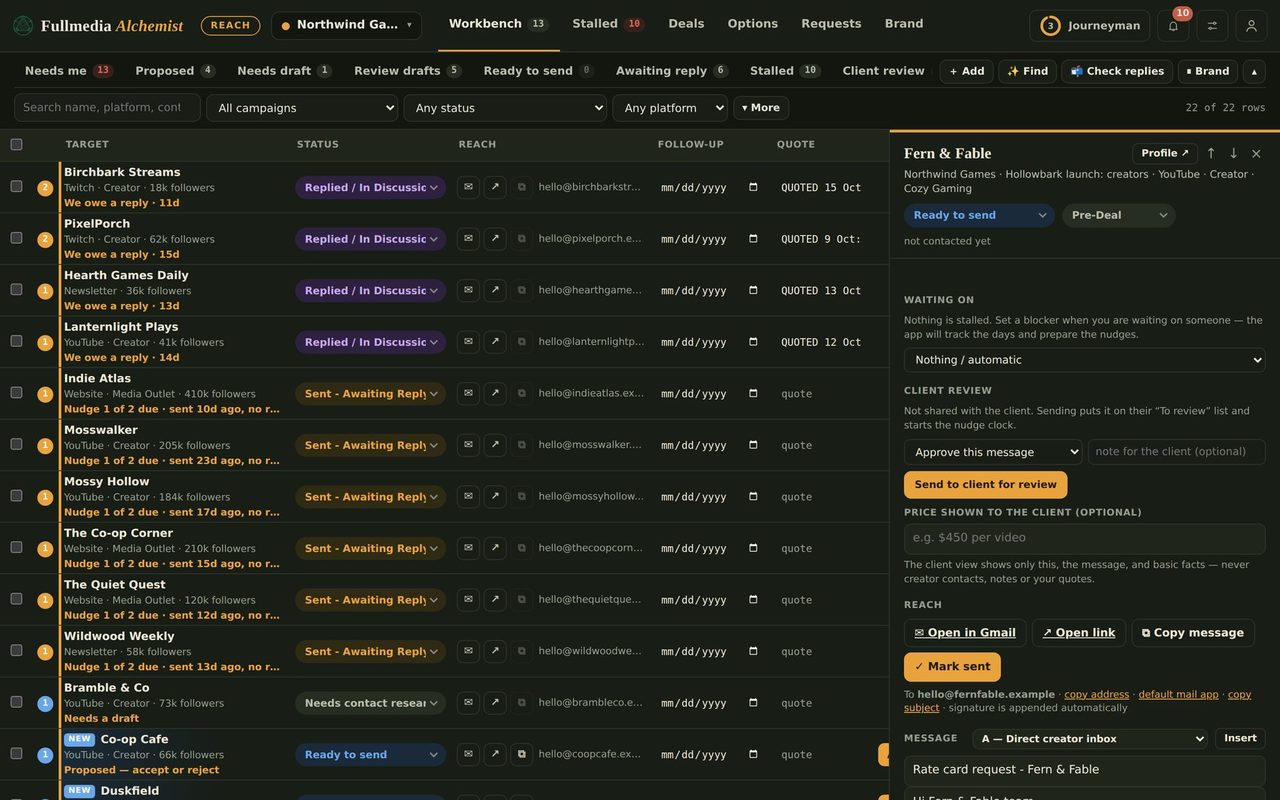
Reach automation runs in your own Claude. That takes two connections: Claude has to be able to send from your mail, and it has to be able to pick up the tasks you approved in Reach. Neither takes long, and you do each one once.
1. Connect Gmail in Claude
In Claude, open the connectors list and connect Gmail with the Google account you want mail to come from. That account is the sender. Claude's Gmail connection has no From box, so whatever address you sign in with is the address recipients see. If a brand needs its own address, it needs its own mailbox (see how to send as each brand).
2. Connect Reach in Claude
- In Reach, open the account menu, choose Automation, and press Create connector link. Copy it. It works like a password and is shown once.
- In Claude open Customize, Connectors, + Add, Add custom connector. Name it Alchemist Reach, paste the link, leave No sign-in, then Add and Connect.
- Set the connector's 3 tools to Always allow, or Claude will stop and ask on every task.
 Try it on your own brand
One brand is free, with no card. Start free.
3. Tell Reach which account is signed in
In Automation, under Right accounts, type the address Claude's Gmail is signed in as and tick Claude's Gmail is signed in as that exact address. Reach hands out no tasks until you do. Claude checks the account again before the first send, and if it does not match, it sends nothing and tells you.
4. Start it
- Pick your brands and set a low daily cap. 10 is a good first week.
- Approve the rows you want sent.
- Turn Automation on, then send this in your Claude chat and leave it open:
Check my Alchemist Reach tasks
If something stops
- Claude asks permission every time: the connector's tools are not on Always allow.
- Nothing is sent: check Automation is on, the brand is ticked, rows are approved, and the account box is ticked.
- Wrong account: the Gmail connection is signed in as someone else. Reconnect it as the right address.
- Link leaked: remove it in Automation and make a new one.
Next: what Claude does once it is running, and running several brand mailboxes.
Connect once, send for weeks.
Free plan available. You approve every row.