Fullmedia Alchemist
Run several brand mailboxes with Claude, one at a time
When each brand sends from its own Google account, Claude works through them in turn. This is the routine that keeps every message on the right address.
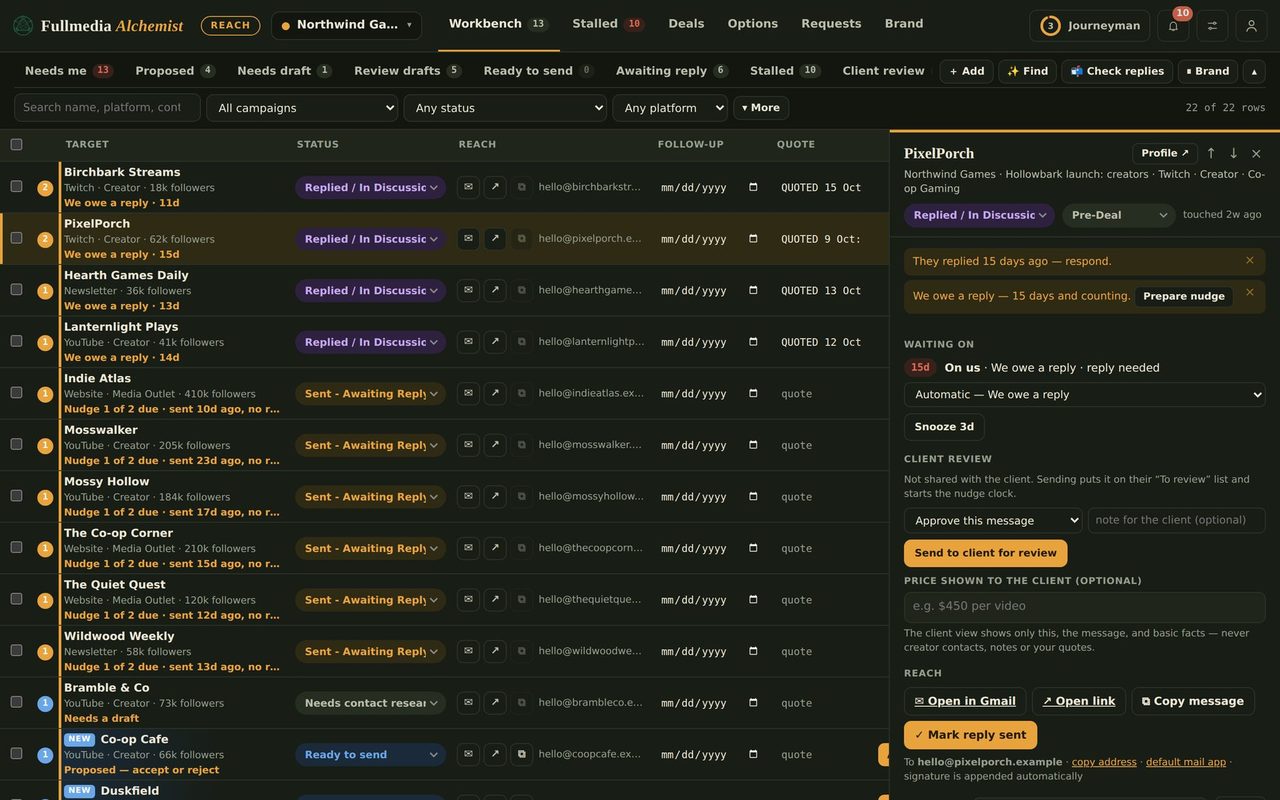
Claude's Gmail connection is signed in to one account at a time. If each of your brands has its own mailbox, you work through the brands in turn: connect a mailbox, send that brand's batch, then switch. It sounds fiddly, and in practice takes a minute per brand.
Before the first run
- Create each brand's mailbox and authenticate its domain.
- In Reach, under each brand's Sender & signature, set Sending email to that brand's mailbox.
- In Automation, tick the brands. Under Right accounts, open A different mail account for a brand and enter each address.
The routine
- Connect Claude's Gmail as the first brand's mailbox.
- In that brand's row under Right accounts, tick Claude's Gmail is signed in as this exact address. Leave the other brands unticked.
- Ask Claude:
Check my Alchemist Reach tasks. It sends only for the brand you ticked. - When the batch is done, untick that brand, connect the next mailbox in Claude, tick the next brand, and ask again.
A brand with its own address sends nothing until you tick its confirmation, so a mix-up cannot send one client's mail from another client's address. If Claude finds the wrong account signed in, it sends nothing and tells you.
Keep it safe
- Each mailbox has its own daily limit. Start every brand at a low share of the workspace cap.
- Use the inbox sync with one key per mailbox, so replies and bounces land on the right brand.
- Watch bounces. More than 2 in 100 means stop and check the list (sending limits).
Not sure this is worth a mailbox per brand? See pick your email setup.
Every client from its own address.
Free plan available for one brand. No card.