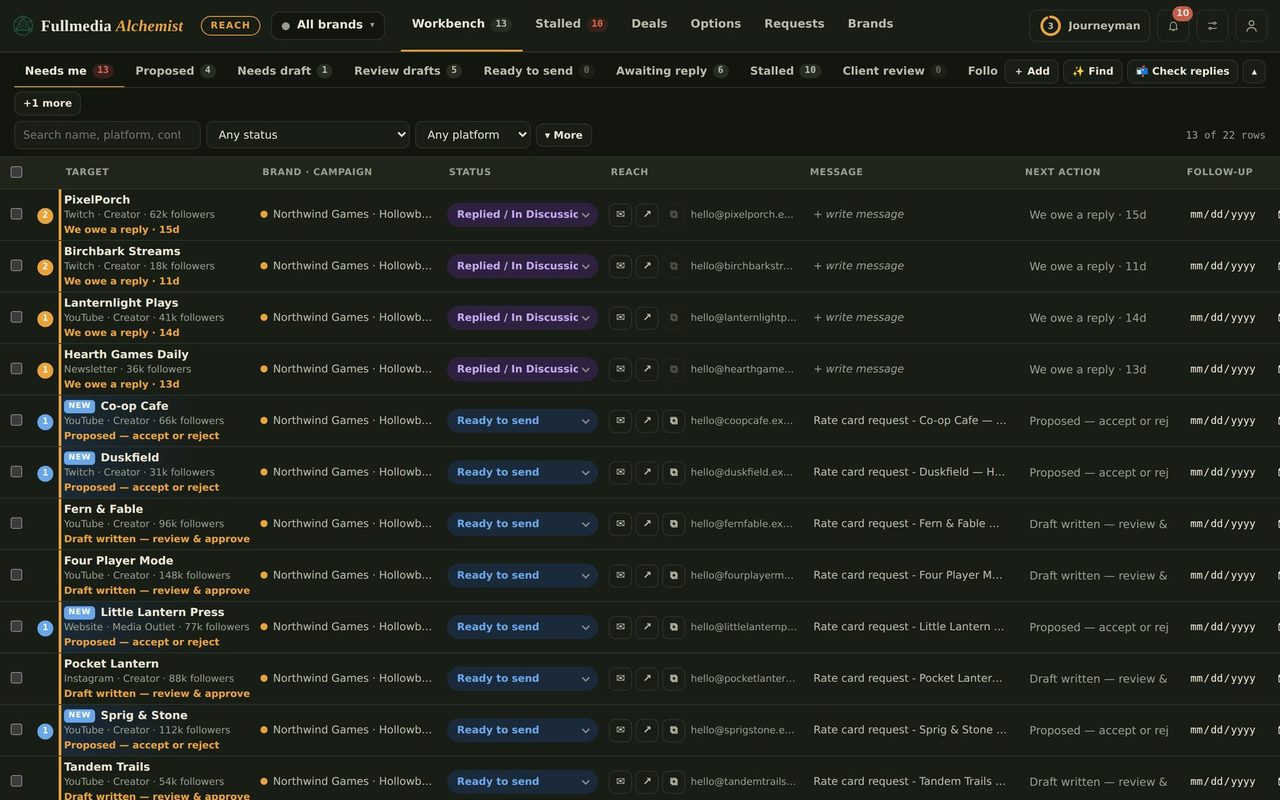
See replies and bounces without giving Reach your mailbox
A small read-only script runs inside your own Google account and reports who replied, what went out and what bounced. Reach never gets access to your mail.
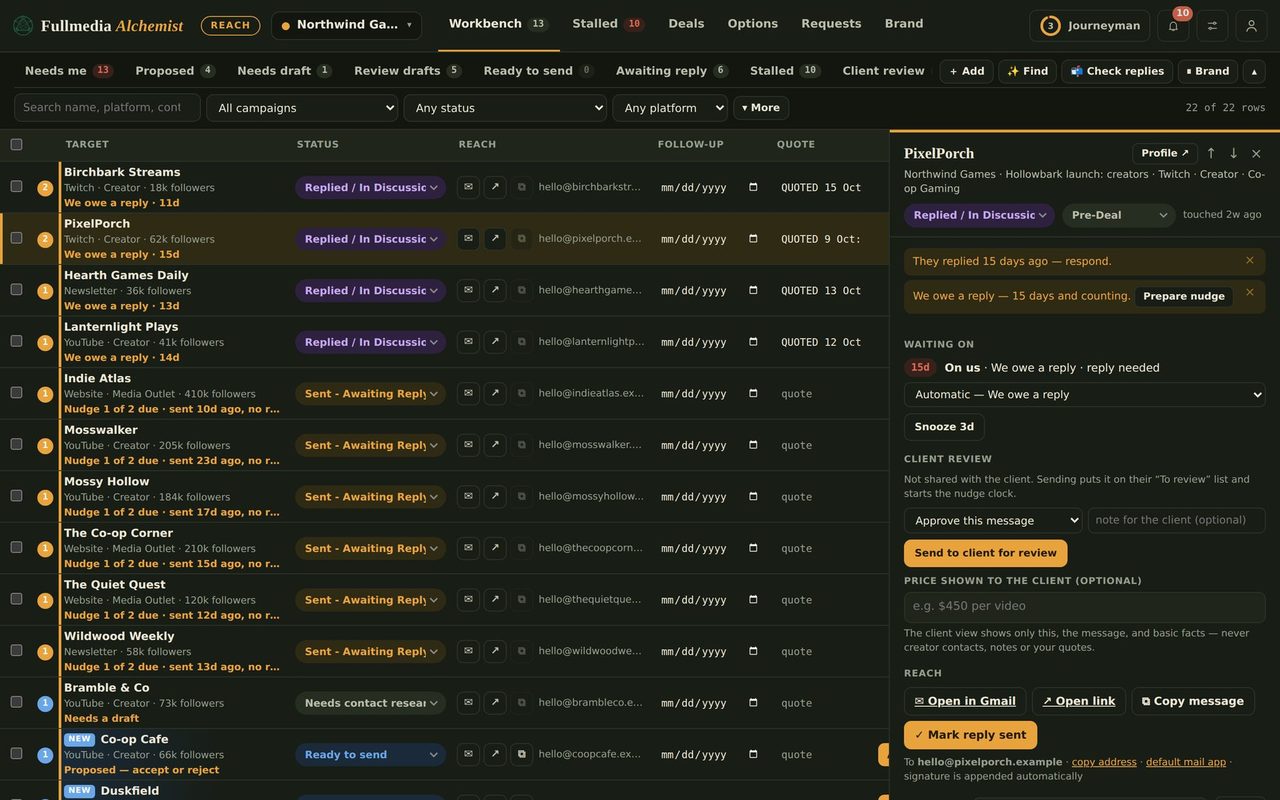
Reach is more useful when it knows who has answered. The inbox sync does that without any access to your mailbox. A short Google Apps Script runs in your own Google account, reads your Gmail, and tells Reach only what it found for the contacts you are tracking.
What it can and cannot do
- It asks Google for read-only Gmail permission, so it cannot send, delete, label, draft or change anything.
- It looks up only the contacts you are tracking in Reach.
- Per contact it reports the date, the subject, a short quote and, for replies only, the reply's own text.
- It runs about once an hour. Remove its key in Reach and it stops.
Set it up
- In Reach find Inbox sync and press Set up. Choose whether this mailbox covers all brands or one brand only, then press Create key and script.
- Open script.google.com, signed in as the mailbox you send from, and start a new project.
- Delete the sample code, paste script 1, and save.
- In Project Settings, tick Show appsscript.json manifest file in editor. Open that file, replace everything with script 2, and save. This is what limits the script to read-only Gmail.
- Choose the function setup, press Run, and approve the permission once.
Reach shows the sync as Running after its first check, with a count of replies, unmarked sends and bounces it found. Findings appear as suggestions on the rows. You decide what to do with them.
 Try it on your own brand
One brand is free, with no card. Start free.
Several mailboxes
Create one key per mailbox and tie each to its brand. An agency with a mailbox per client runs one script in each mailbox, and every reply lands on the right brand's row. See running several brand mailboxes.
Why bother
It stops follow-ups going to people who already replied, catches bounces so an address is never mailed twice, and picks up sends you made by hand. It also works if you do not use Claude automation at all.
Know who replied, automatically.
Free plan available for one brand. No card.