Let Claude add your brand aliases for you
Skip the clicking. Give an assistant that can use your browser one clear instruction, sign in yourself, and read the summary it gives back.
The alias setup in how to give every brand its own email address is a run of settings screens. That is exactly the job a browser-capable assistant, such as Claude in Chrome, does well. You stay in charge: you sign in, you read what it did, you confirm.
Before you start
- Sign in to Google Admin and Gmail yourself, in the browser the assistant uses. Never give an assistant your password or a verification code. If it asks, stop and enter it yourself.
- Have your list ready: each brand, its domain, and the alias name you want.
- Know where each domain's DNS lives (see the nameserver tip in the main guide). The assistant can add the records if you are signed in there too.
The prompt to copy
I am signed in to Google Admin in this browser. For my user [you@yourcompany.com]: (1) add each of these as a user alias domain: [brandone.com, brandtwo.com] and show me the DNS records Google asks for; (2) add these alternate email names: [hello, outreach]; (3) then open Gmail, Settings, Accounts and Import, Send mail as, and check each address appears. If a screen asks for a password or a code, stop and tell me. Do not change anything else. When you are done, list exactly what you added.
 Try it on your own brand
One brand is free, with no card. Start free.
DNS records
Ask it to add the TXT and MX records at the domain's DNS host in a second step, once you are signed in there. Check the records in the list before you press Verify.
After it finishes
- Compare the alias list in Admin with your list and remove anything extra.
- Send yourself one message from each brand and look at the From line.
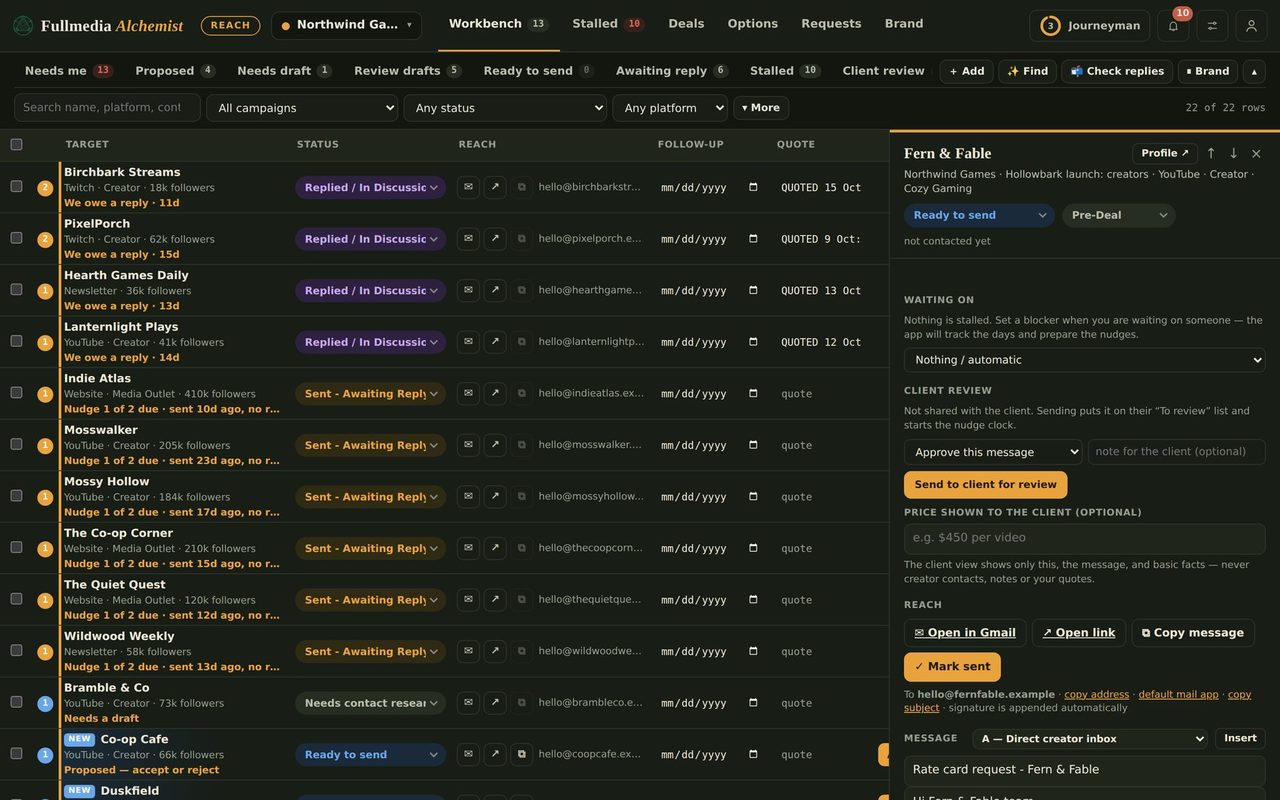
- Then set the alias on each brand in Reach, under Brand, Sender & signature. It applies to mail you send by hand from Gmail. Claude's automated sends use the connected account instead, see how to send as each brand.
Admin changes are real changes to your account, so read the summary before moving on. Developers can also create aliases with Google's Directory API; the browser route needs no code and is easier to check by eye.
Set a sender for each brand.
Free plan available for one brand. No card.