Fullmedia Alchemist
The Alchemist's Journal · Reach
Jump-start Reach: let Claude fill in your brand settings
Ask Claude in your browser to read your website and fill Brand details and Drafting notes. You review, save, and your first drafts already sound like you.
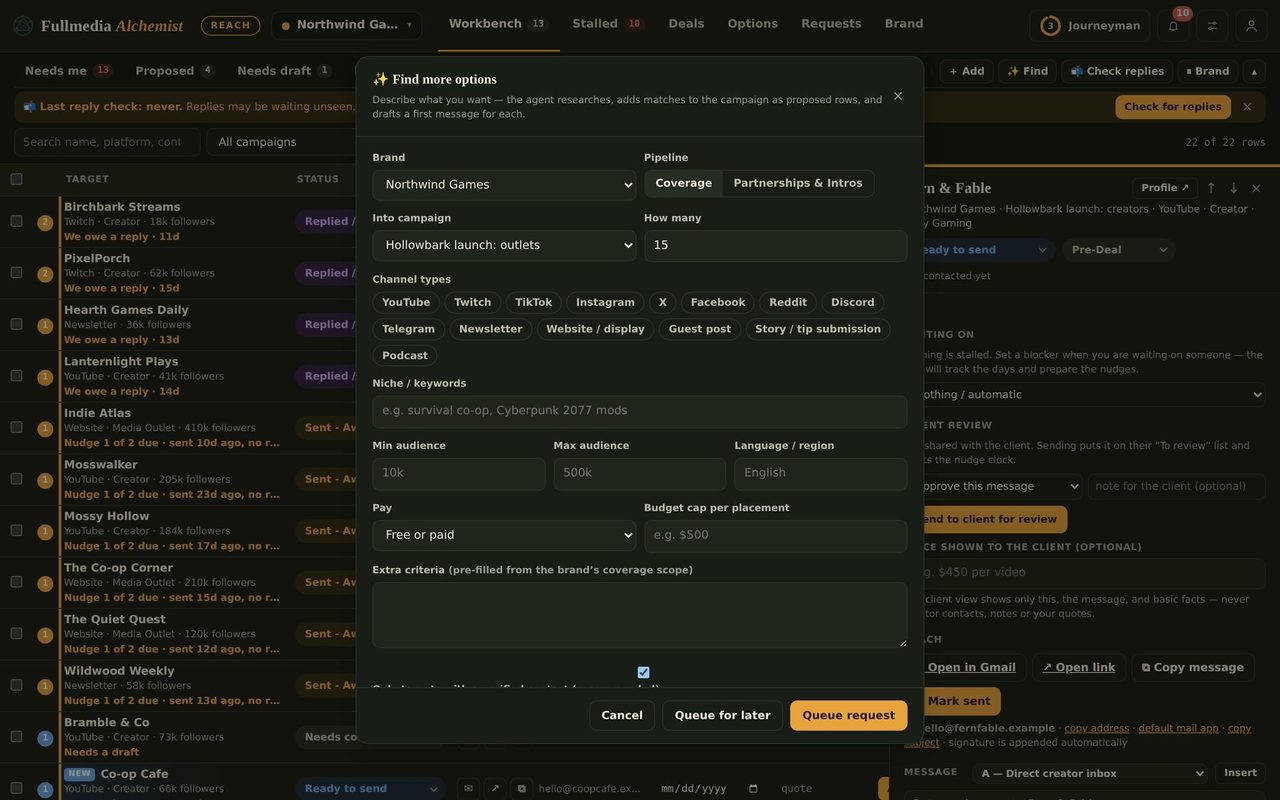
The slowest part of a new Reach account is the settings: who the brand is, how it talks, who sends the mail. Claude in Chrome can do the typing. You supply the website, then check the result.
What it can fill
- Brand details: name, the name to use in messages, website, what you offer.
- Drafting notes: tone, words to use and avoid, what a good first line looks like.
- Sender & signature: name, sending email, alias, signature, but only from details you give it.
How
- Sign in to Reach in the browser Claude uses.
- Open the brand and ask:
Open [brand website] and read the home, about and pricing pages. In Reach, open this brand and fill Brand details and Drafting notes from what you find. Do not invent claims, prices or names. Leave Sender and signature alone. Show me what you entered before you save. - Read every field, fix anything that sounds off, then save.
- Do Sender & signature yourself, or give Claude the exact name, address and signature to enter.
Tips
- Only what is on the site goes in. If the site does not say it, the field stays blank.
- Sign-offs use the sender's real name, never an invented one.
- Sending from a brand address? Decide how first: how to send as each brand.
Then draft your first message, and when you are ready to automate, read Reach automation with Claude.
Fill the settings in minutes.
Free plan available for one brand. No card.