Posts that move: video-ready slides, short video and recaps
Pick Post, Prepared for video or Short video when you create. The Alchemist builds vertical slides, or the video itself, in your own browser.
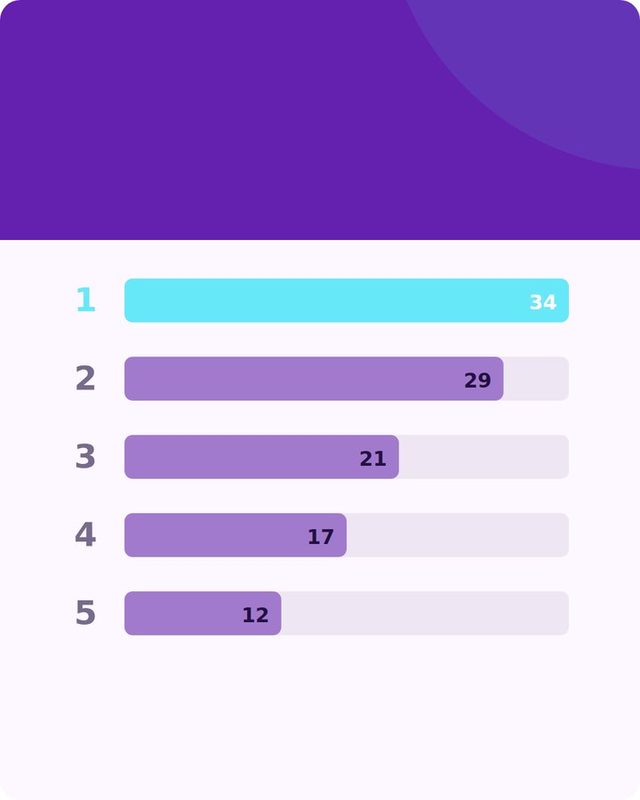
Reels, Shorts and TikTok want a vertical video, and most small teams do not have an editor. When you create posts in Content there is now a choice of output under Single, Carousel and Mixed.
Three outputs
Prepared for video gives you a clean version and a version with dashed slots and keep-clear zones for the app's own buttons, downloaded as a zip with a slot sheet, so you can finish it in any editor.
Short video uses the plan the Alchemist writes for the post: your brand colour, typeface and logo, the post's pictures, the timing, text and emoji stickers, with a fade, push or cut between scenes. It is recorded in your browser and downloaded, never stored. There is no sound.
Recaps
A recap post, a roundup of earlier posts, now makes its video from those posts' own pictures: the recap headline over the first picture, then each source post in quick cuts with its headline, ending on the closing card with the QR and call to action. It costs no extra credit.
 Try it on your own brand
One brand is free, with no card. Start free.
Try it
- Start a campaign or open Create posts.
- Under the Single, Carousel and Mixed buttons, choose the output.
- Approve the post, then use its menu to prepare or make the video.
Honest limitsVideos are silent, so add music in the app you post from. Short video needs a paid plan.
Then tell people about it
A good clip gives a creator or outlet something to look at when they reply. Reach finds the right ones and drafts the pitch; see how Claude can send it.
Swipe or use the arrows.




Make your first short video.
Content has a free plan. Prepared-for-video slides work on every plan.