The Alchemist's Journal · Reach
Let Claude fill contact forms for you: what it will and will not do
Many outlets and partners only take a web form. Claude can fill and submit them in your own browser, with your approved message, and hands anything odd back to you.
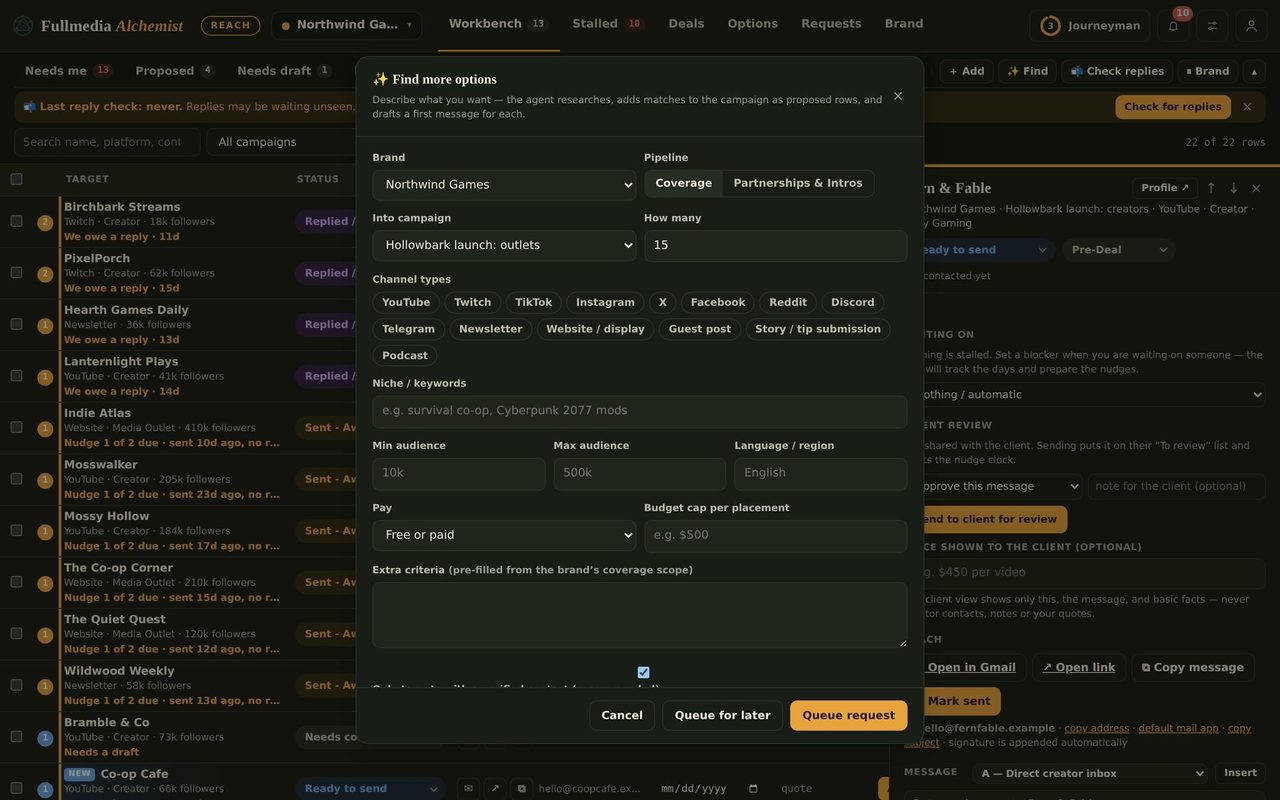
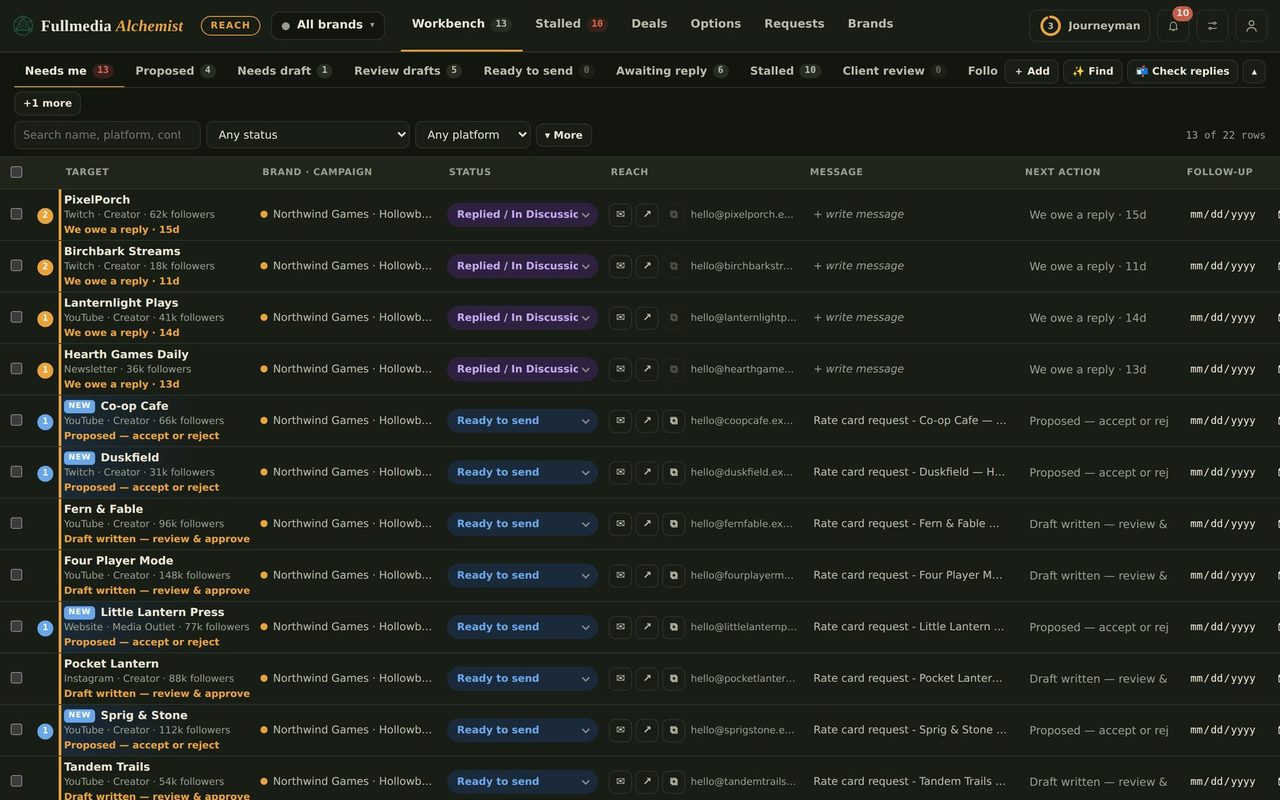
A lot of the places worth contacting have no email address, only a contact form. Filling in forty of them is slow and dull. With Reach automation, Claude does it in your own browser, using the message you approved, and reports proof of each one.
What you need
- Reach automation connected to Claude (setup).
- Browser access for Claude in your own Chrome, so it can open each form. You stay in charge of what it may open.
- Rows in Reach marked as web-form outreach, and approved by you.
What Claude does
- Takes one approved form task at a time.
- Opens the page and checks it matches the card (the contact, the rules, the price if any).
- Fills in your name, your sending email and the approved message, then submits.
- Reports the result with proof. A failure is reported too.
 Try it on your own brand
One brand is free, with no card. Start free.
What it will not do
- Solve a CAPTCHA. It stops and flags the row for you.
- Log in with a password it was not given. The row goes to Needs you.
- Pay for anything. If a place charges, the row is marked as not free with the price.
- Change your wording. It sends the approved message exactly.
- Carry on when the page disagrees with the card. A different price, contact or rule means it stops and tells you what it found.
Social DMs, forums and community posts are never part of this. They stay on your own list.
Good practice
- Use a sending email you actually read, since form replies land there.
- Keep messages short and specific to the outlet.
- Start with ten forms, read what comes back, then do more.
Hand off the forms.
Free plan available. You approve every row.