Tick a brand, a campaign, or a type of message: start only what you want
New emails, web forms and follow-ups each have their own filter, and campaigns do too. Select a whole campaign with one tick, or hand-pick the rows.
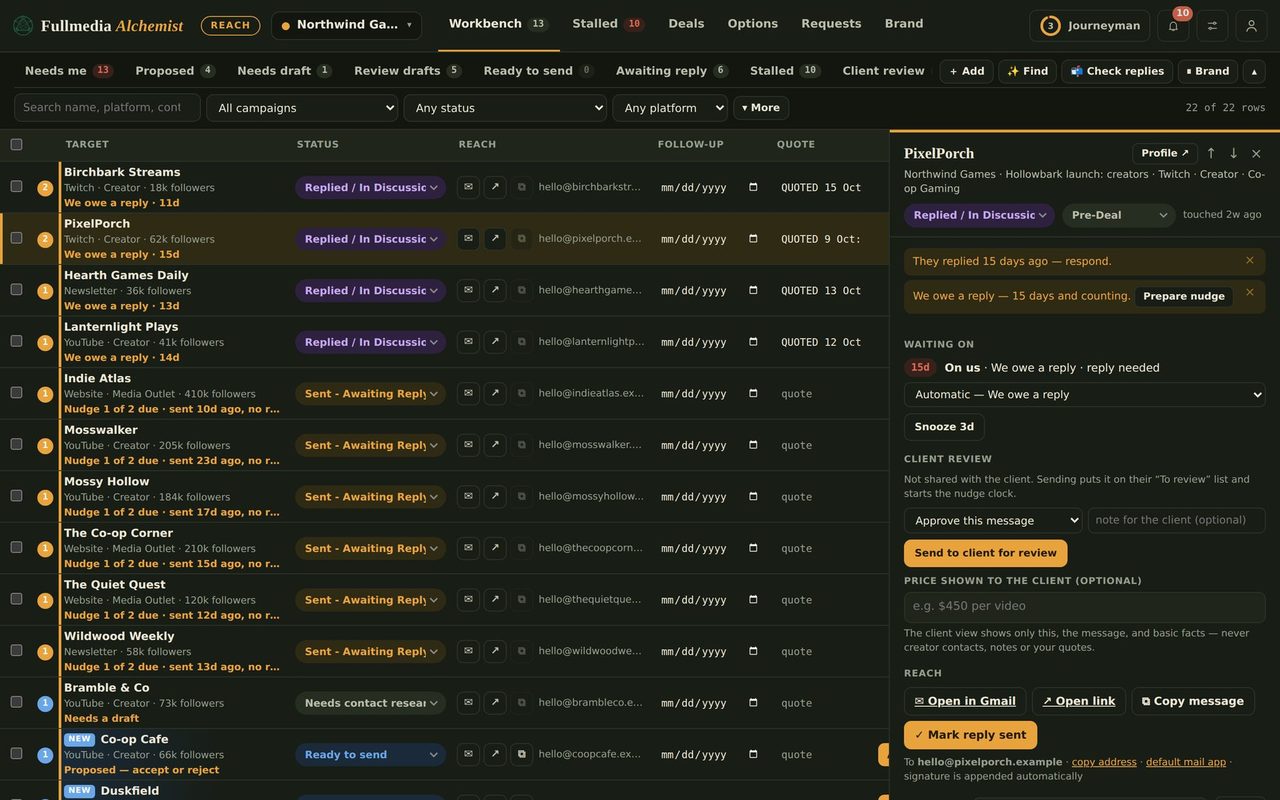
Running everything at once is not always what you want. You may want this week's podcast campaign to go out and the partnership list to wait. The Automation window is built for that.
Three ways to narrow what Claude sends
By brand. Tick the brands under Brands and limits. Only their messages show in the list.
By campaign. When the ticked brands have more than one campaign, a Campaign row appears with a count for each. Pick one and the list shows just that campaign, so Tick all shown selects the whole campaign in one go.
By type. Show only New emails, Web forms or Follow-ups. Use it to send this morning's first emails now and leave follow-ups for the afternoon.
 Every row still has its own tick
Filters only change what you see. Whatever is ticked when you press Save selection is what Claude is allowed to send, and you can untick a single message at any time.
Let new messages select themselves
Under Auto-approve options, you can have anything you mark Ready to send selected automatically, and have follow-ups selected when they come due. Untick a row to hold it back. If you prefer to approve everything yourself, leave both off.
Pair it with your content
Campaigns in Reach often line up with a push in Content: a launch, a seasonal offer, a new product. Plan the posts with the Alchemist, then use a Reach campaign to pitch the same story to outlets and partners. Building those lists takes minutes, and tagged links in Content show which of the two brought the visits.
Swipe or use the arrows.
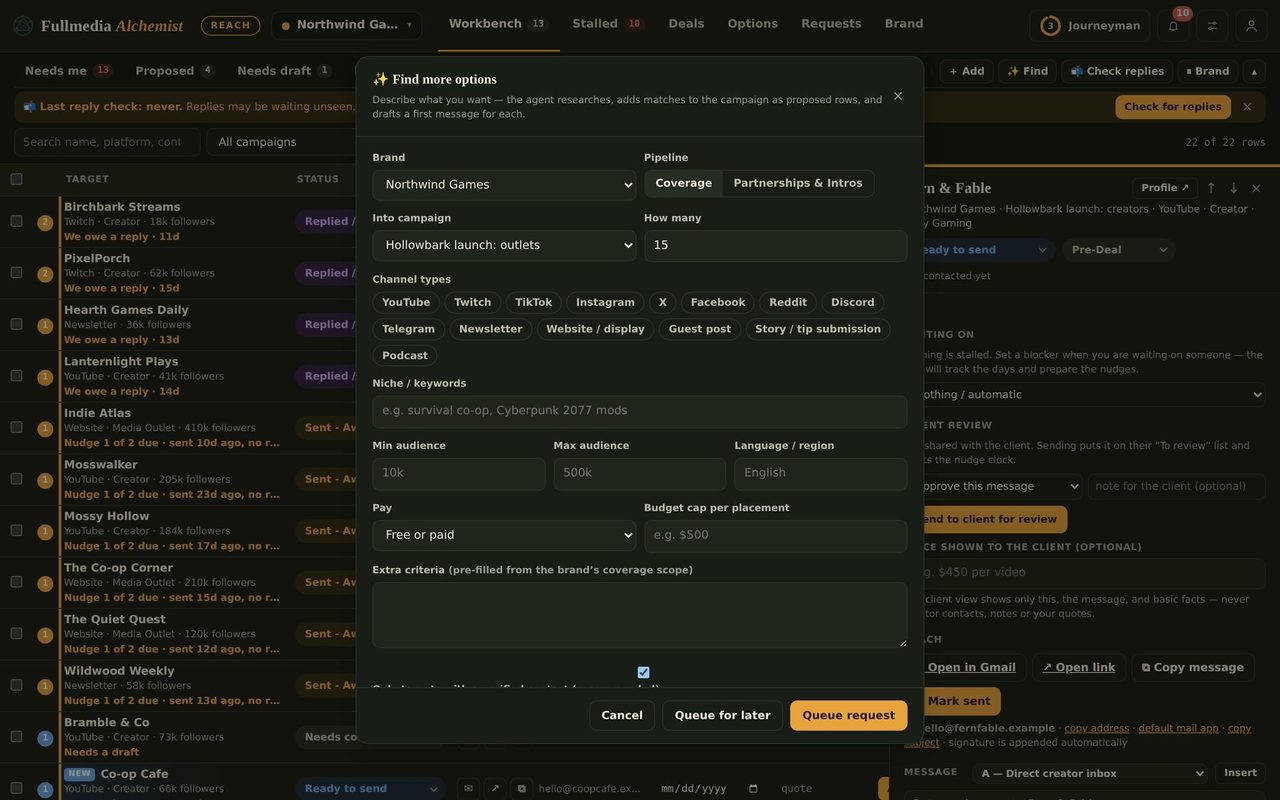
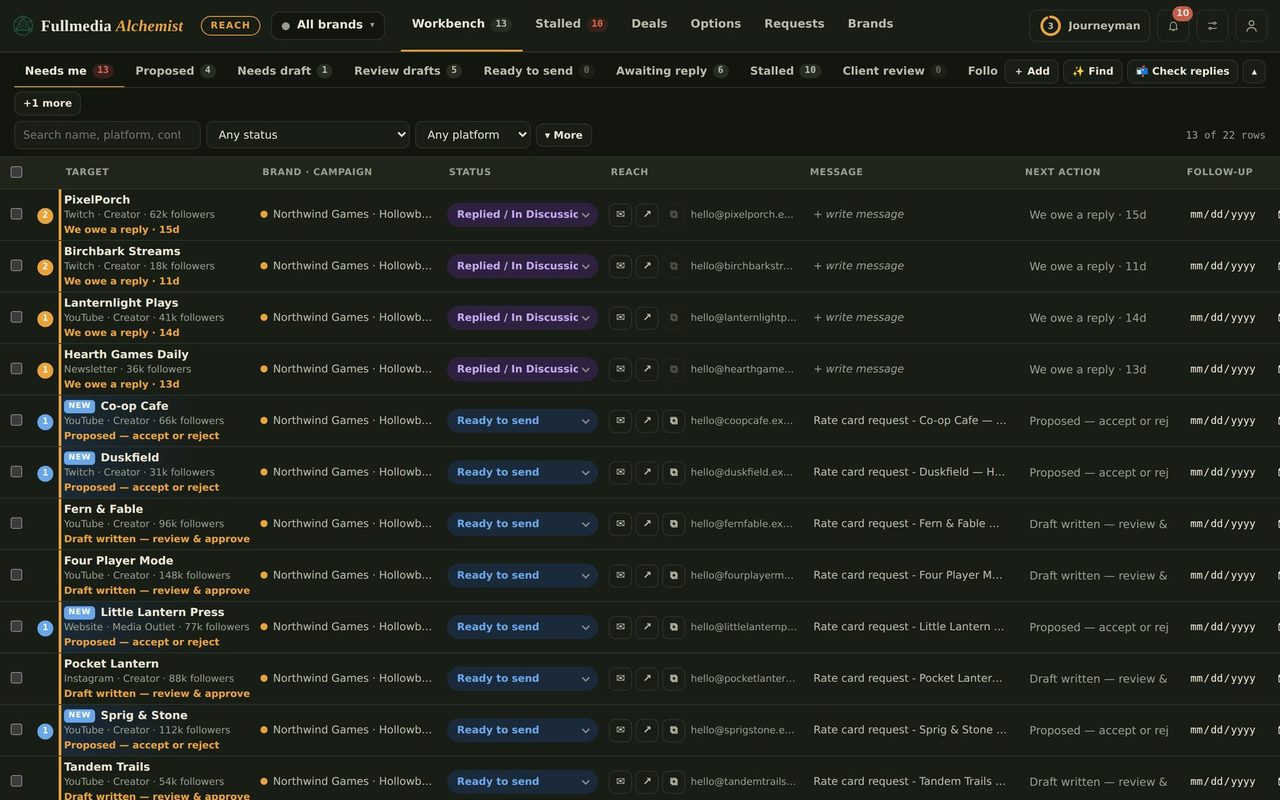
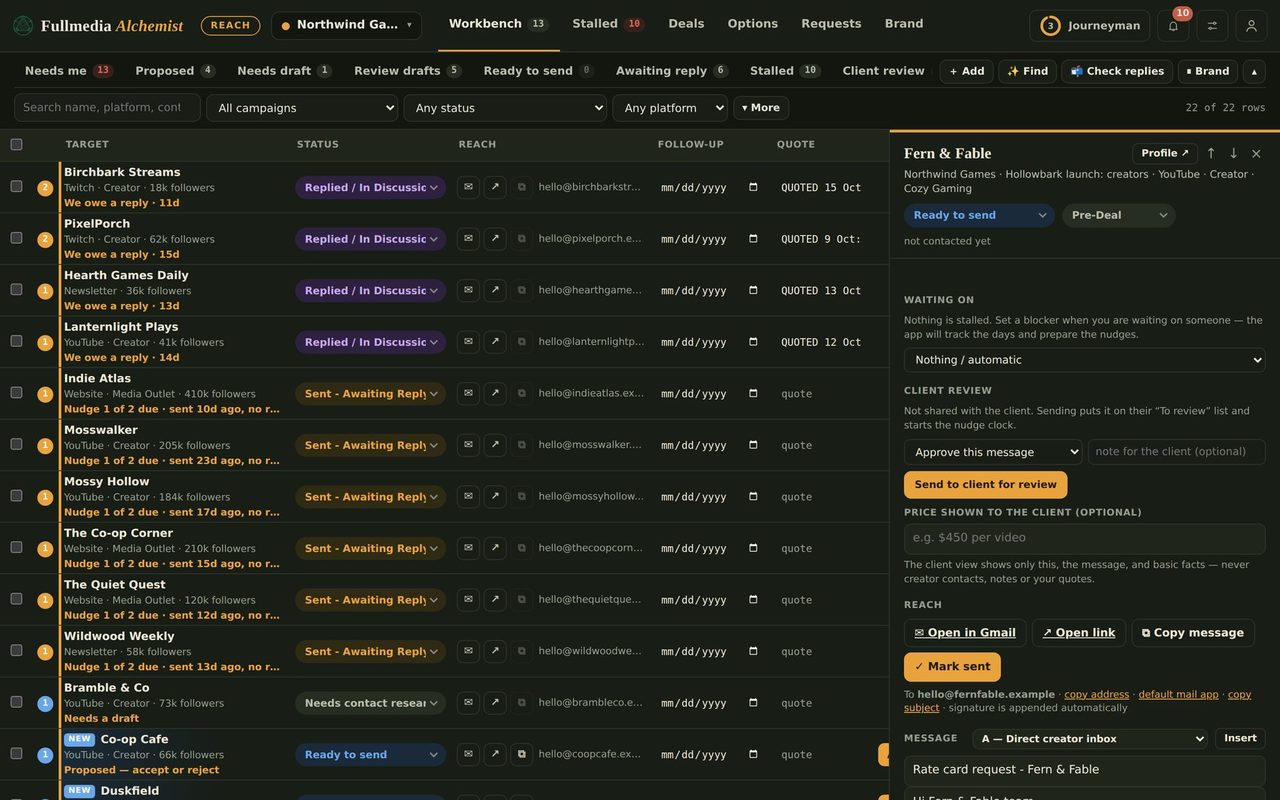
Start just the campaign you want.
Free plan available. No card.

