Free places to be seen: communities and guest posts in Reach
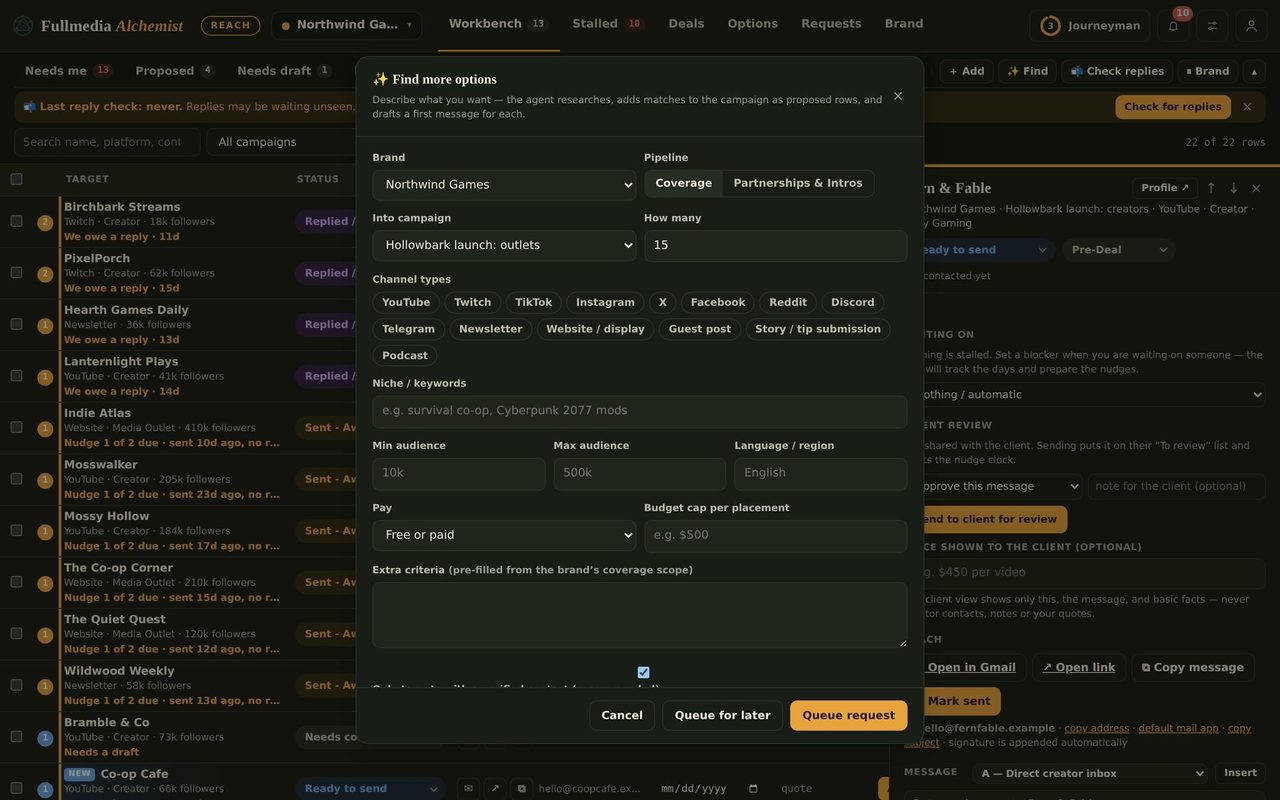
Find now has a "Free communities" mode. It reads each place's rules first and drops anywhere that bans promotion.
Before you pay for ads, look for the places where your customers already talk: subreddits, Discord servers, forums, newsletters that take submissions, write-for-us pages. Most of them are free. The catch is rules. Post the wrong thing in the wrong place and you are banned.
What Find does differently
In Find options, switch Looking for from Creators & media to Free communities & guest posts. There is also a Communities button beside Find in the Workbench. You choose the kinds of place: subreddits, Discord servers, Telegram groups, Facebook and LinkedIn groups, forums, Slack communities, newsletters that accept links, guest posts, directories and launch sites, link roundups, and Q&A sites.
For each place Reach reads the rules and tags the result: open, promo thread only, ask the moderators first, submission page, unclear, or banned. It saves how to post there and a quote from the rules, and a quote is only kept if it was found on a page it actually read. A place whose rules ban promotion is never suggested.
 Check before you post
If Reach could not read a page, the place stays in the list marked "Check the rules first". Tick Strict to keep only places where the rules or a submission page were actually read.
A different draft for a different place
A community is not a person, so Reach does not write a cold email. It drafts the thing the place actually takes: the post, a comment in the promo thread, a note to the moderators asking permission, or a guest-post pitch. It is written in a plain, human voice from your brand facts, and you review it before it goes anywhere.
A simple way to use it
- Run Free communities for one brand and read the rules notes on the top results.
- Pick three places where the rules say yes. Draft one post for each.
- Be useful first. Answer a question or share something real, then mention your link where the rules allow it.
It uses the same plan AI allowance and web research as Find. On the Free plan, a run is capped at 3 results.
Swipe or use the arrows.
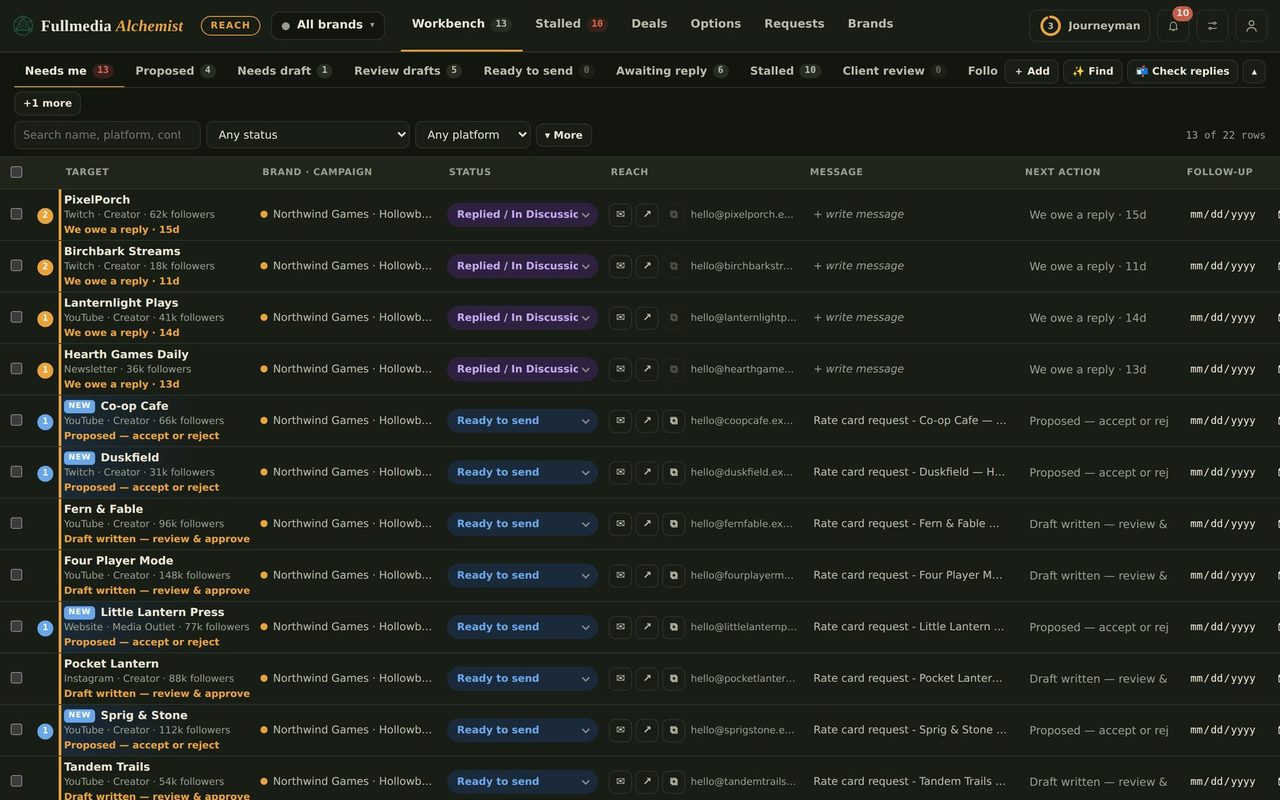
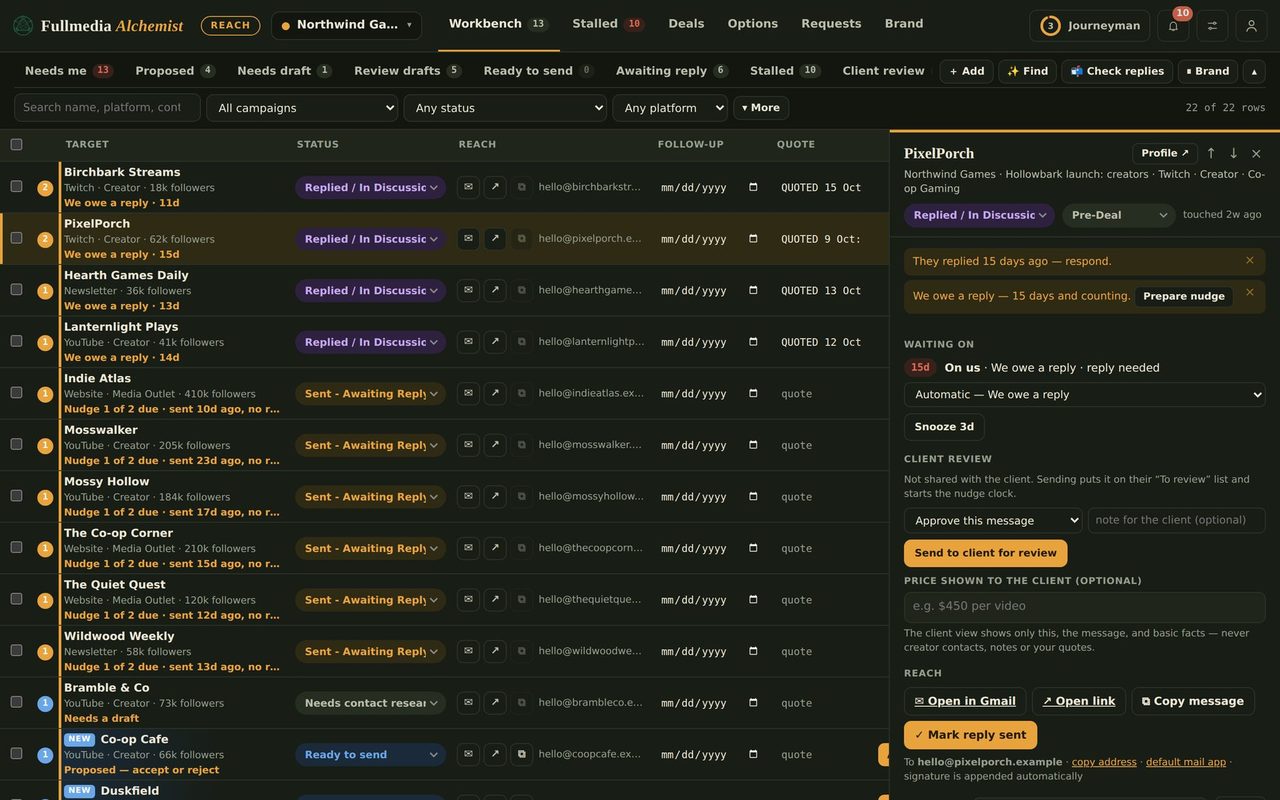
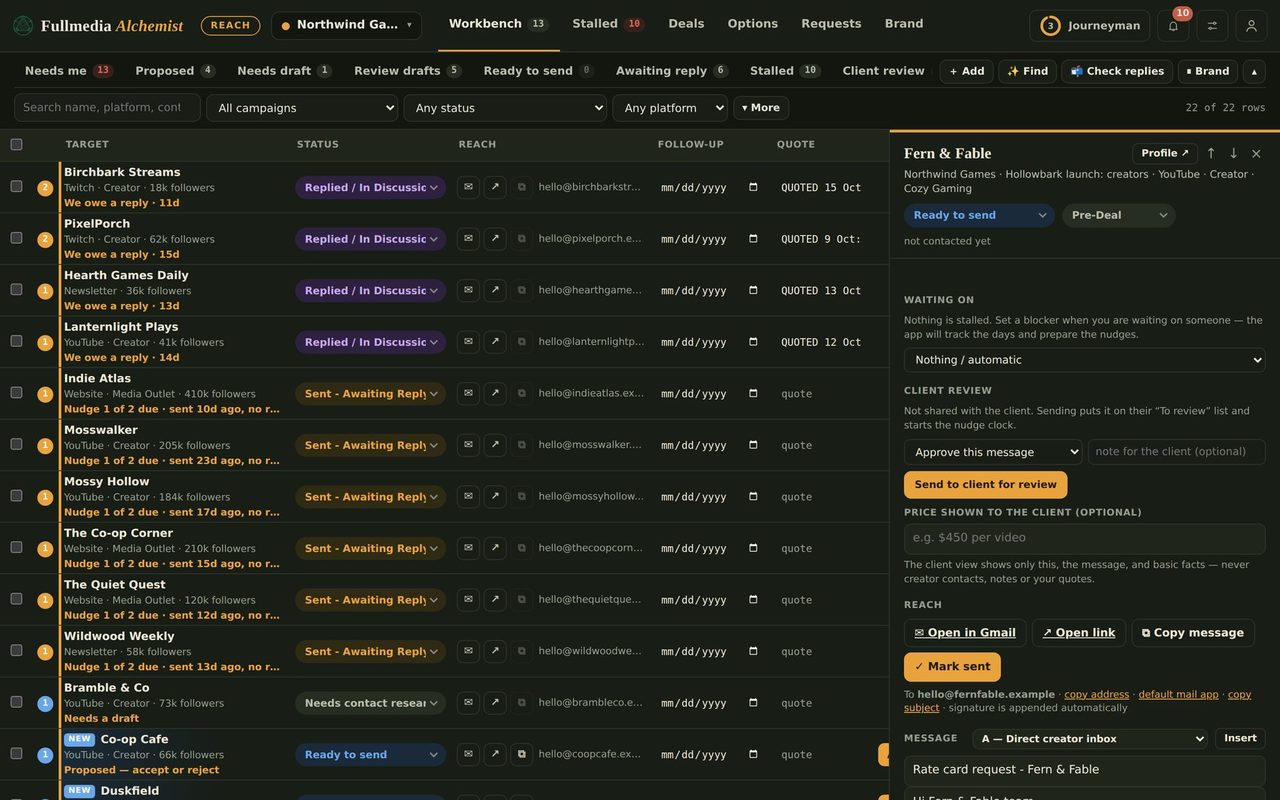
Find where your people already are.
Reach has a free plan. Nothing is sent without you.

